


Roofing Websites for Roofing Companies
I build roofing websites for roofing companies and roofing contractors: a page for each roof job, roof system and town, storm-area pages your office opens itself, inspection requests with photos sent to your CRM, and a site you own.
- Design + build, one price
- From 700 €
- Reply within one business day
What you get with a website for your roofing company
- A page for each roof job and roof systemReplacement, repair, storm, inspection, metal, flat
- Area and storm-area pagesOpened by your office after a storm, only where you work
- Inspection requests with photosAddress, damage, claim stage and pictures in one go
- Leads straight into your roofing CRMJobNimbus, AccuLynx, Roofr, ServiceTitan or email
- Fast despite heavy aerial photosImages resized on upload, pages under 2.5 s
- The site is yours, not rentedCode, content and domain in your name
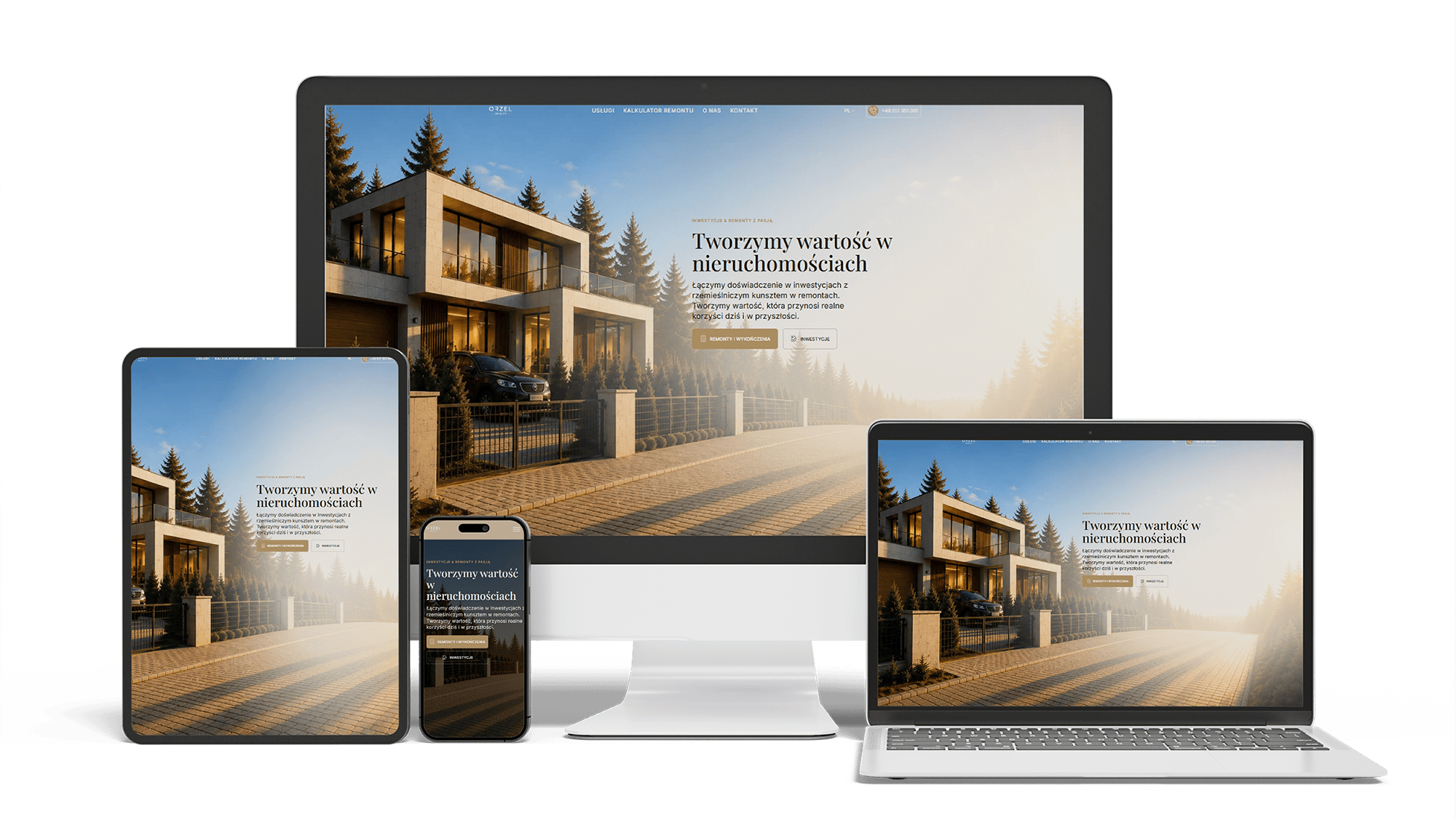
Renovation and investment website with a premium feel and 96/98/100/100 performance
96/98/100/100Design system2 languages
Full WordPress Rebuild for a Car Rim Restoration Company
92/91/96/100Photo quote formLocalBusiness markup
Auto Repair SEO & UX Boost
Performance 90++10% organic trafficLeads from forms
A multilingual landing page for a wheel and tyre storage business
100/95/100/1003 languagesClient edits it
Full Multilingual Website Development & SEO for Student Services
+5,930 clicks in 6 months359k impressionsTeam edits it
Get a quote for your roofing website
I reply within one business day with a list of pages for your roof jobs and towns, and a fixed price.
I build roofing websites for roofing companies and roofing contractors: a site for your own business, planned, designed, built and launched by one person, with a page for every roof job you sell, inspection requests that arrive with photos and land in your CRM, and code that stays yours. How it looks and what a homeowner sees first is on the roofing website design page.
Work reaches a roofer’s website in three moods. After a hailstorm, homeowners in a few zip codes want an inspection this week. A homeowner with water dripping through a ceiling wants a tarp on the roof today. A homeowner with twenty-year-old curling shingles reads for weeks about materials and payments before inviting anyone to measure. A roofing contractor website takes in all three:
- a quick path to a phone call for active leaks and emergency tarping
- an inspection request that collects the address and photos, for storm damage and planned work alike
- depth on replacement, materials and payment for the homeowner still deciding
- a way for the office to switch storm messages and storm-area pages on and off without calling a developer
On many roofing company websites every job sits on one “Services” page, which cannot be found for any single job. Each service you want more of gets its own page, generated from one template:
- Roof replacement — tear-off and installation, the materials you install, typical timeline, warranty, financing
- Roof repair — leaks, flashing, missing or lifted shingles, ventilation problems
- Storm and hail damage — what you check, how the inspection runs, what happens after it
- Roof inspections — after a storm, before buying or selling a home, for an insurance renewal
- Gutters, skylights and siding, if you sell them
Every service page has the same parts: the job in your words, finished projects of that type pulled in automatically, customer questions, and the inspection request at the end.
Metal, shingle and flat roof pages on a roofing contractor website
Each roof system you install — asphalt shingle, standing seam or exposed-fastener metal, flat roofs in TPO, EPDM or modified bitumen — gets a page built from structured fields: the products and manufacturers you install, the warranty that comes with them, the colors you offer and a project list filtered to that material. Commercial work gets its own section and its own request form asking for building type, approximate roof size and access, so property managers are not sent through a homeowner’s form.
Homeowners search for a roofer with a town name. Service-area pages come from one template plus a short entry per town: roofs you have done there, reviews from customers there, the building department that issues roofing permits, local details such as HOA rules. A town gets its own page when there is real work to show; one with nothing behind it stays a line in the coverage list.
Storm-area pages use the same template but are tied to a date. After a hailstorm the office opens a page for the affected area — the storm date, the zip codes, what a homeowner can check from the ground, a link to book an inspection — and later closes it or turns it into a normal area page with the roofs you replaced there. What the build never does is stamp out fifty copies of one text with the town name swapped.
The inspection request is the main form on a roofing website, and it is built in short steps that work on a phone: address, what happened (leak, storm, old roof, home sale), whether an insurance claim is open, a preferred time, and photos. Photos from the ground or the attic tell the office whether to send a repair tech or an estimator. Photos are resized on the phone before upload, so a request does not fail on a weak signal.
Requests go where your office already works. Roofing CRMs such as JobNimbus, AccuLynx and Roofr, and field-service software such as ServiceTitan, can take website leads through their own web forms, an integration or a connector like Zapier. Without a CRM, requests arrive by email with the photos attached. Each request carries the page and the search or ad it came from, so you see which pages bring replacements.
Some homeowners want a number before they talk to anyone. Several roofing software products and measurement services offer instant estimate widgets: the visitor types an address, the tool measures the roof from aerial or satellite imagery and shows a price range for the materials you set up. Its limits:
- the range is only as good as the price per square you enter and keep up to date
- complex roofs, steep pitches and tree cover make measurements from imagery less reliable
- a third-party widget loads its own scripts, so it sits on the replacement page and loads on demand, not on every page
- every instant estimate still ends in an inspection request, because the final price depends on what the crew finds
Many homeowners put off a new roof until they see a monthly figure. If you offer financing through a lending partner, the site gets a financing page with the terms your partner lets you publish and a link to its application, plus a short mention on every replacement page. The terms are stored in one place and edited once.
Storm work usually goes through the homeowner’s insurer. An insurance claim help page sets out what your company does at each step — the inspection, the photo report, meeting the adjuster, a supplement if items were missed — and what the homeowner should keep: the policy number, the claim number and photos taken right after the storm. It never promises what the insurer will pay. The inspection form asks for the claim stage, so the office sees whether it is a fresh storm or a claim in progress.
Roofing websites carry heavy images: drone shots, close-ups of hail hits, galleries from every job. Uploaded straight off the camera, they make a page crawl on mobile data. Images are compressed and resized on upload, served in modern formats and loaded only as they scroll into view, so pages appear in under 2.5 seconds — the threshold Google uses for a good page load. The phone number and the inspection button load first, before photos, chat and review widgets.
Hosting includes SSL, daily backups and spam filtering. No monthly retainer; changes after launch are paid as work done.
Roofing website builders — general builders, sites bundled with roofing software and template sites sold by marketing companies — put a page online fast for a monthly fee. Some roofing marketing agencies keep the site on their own account: when you leave, the site and sometimes the domain stay with them.
For a small crew in one town, a builder can be enough. The limits show as the company grows:
- no real way to add a page per service, roof system, town or storm area
- a request form that cannot pass leads to your CRM, or only on a higher plan
- a fee that continues for as long as the site exists
A roofing website you own is paid for once, the code, content and domain are in your name, and it can move to any host or developer.
- Brief. You send the roof jobs and systems you sell, the towns you cover, your certifications, financing partner and CRM, and finished projects with photos.
- Structure. I propose the pages — services, roof systems, areas, storm, insurance, financing — and the path from each one to a call or an inspection request.
- Design and build. Pages are designed on a phone first, then built and filled with your content.
- Connections. The inspection form, CRM, call tracking, analytics and your Google Business Profile are connected and tested with real requests.
- Launch and hand-over. You get access to everything and a short guide to adding projects and opening storm-area pages.
If you already have a website, every old address is mapped to its new one and redirected before launch, and structured data is carried over, so the old site’s Google positions are kept. The process is described on the website redesign page.
Lists of the best roofing websites judge the home page by its looks. From the build side, the sites that keep bringing inspections share a few plain decisions:
- a page for each job, roof system and town instead of one services page
- an inspection request that takes photos and goes straight into the CRM
- storm messages and storm-area pages the office controls itself
- financing and insurance questions answered on the site, not left for the phone
Homeowners now ask ChatGPT, Perplexity or Google’s AI Overviews things like “how long does a metal roof last”, “does homeowners insurance cover hail damage” or “which roofers near me are certified by the shingle manufacturer”. An assistant can only use what it can read and check, so the build hands it clear facts:
- license number, insurance, manufacturer certifications and warranty terms written as text, not only inside badge images
- structured data for the business as a roofing contractor, for each service and for the areas it covers
- answers to cost, lifespan and repair-or-replace questions on the service pages, in plain sentences
- the same company name, address and phone as in your Google Business Profile and directories
Getting into those answers is ongoing work, described on the AI SEO and GEO optimization page. Ranking in Google search and on the map is covered on the roofing SEO page.
- A simple roofing website — home, main services, service area, a few projects, inspection request: 700–1,400 €.
- A roofing website with pages for each service, roof system and area, storm-area pages, financing and insurance claim pages, inspection requests linked to your CRM and local search optimization: from 2,000 €.
Design is included in both. If your company also does siding, windows or remodeling, see the websites for contractors page. Full price ranges are on the pricing page.
Roofing websites: frequently asked questions
Order a website for your roofing company: what to send me
Send the company name, a link to your current website or Google profile, the roof jobs and systems you want more of, the towns you cover and the CRM you use. A few finished roofs with photos, and your financing partner if you have one, help me plan the pages. I will reply with a list of pages and a fixed price. Use the form above or write on WhatsApp.