


Home Builder Website Design
I do home builder website design and build the site myself: communities with lot maps, floor plans buyers can compare, move-in-ready homes your sales team updates, project galleries for custom builds and forms made for a buying cycle of months — design included, from 700 €.
- Design + build, one price
- From 700 €
- Custom and production builders
What you get with home builder website design
- Community pages with lot mapsAvailable, reserved and sold, with a list view on phones
- Floor plans buyers can compareElevations, options and filters by size, beds and price
- Galleries and tours of finished homesProject stories, construction stages, 3D tours on tap
- A build process page with durationsSteps, selections, what the base price includes
- Interest lists and tour requests into your CRMEach lead tagged with its community and plan
- Readable by Google and AI assistantsAreas, prices, plans and warranty as text
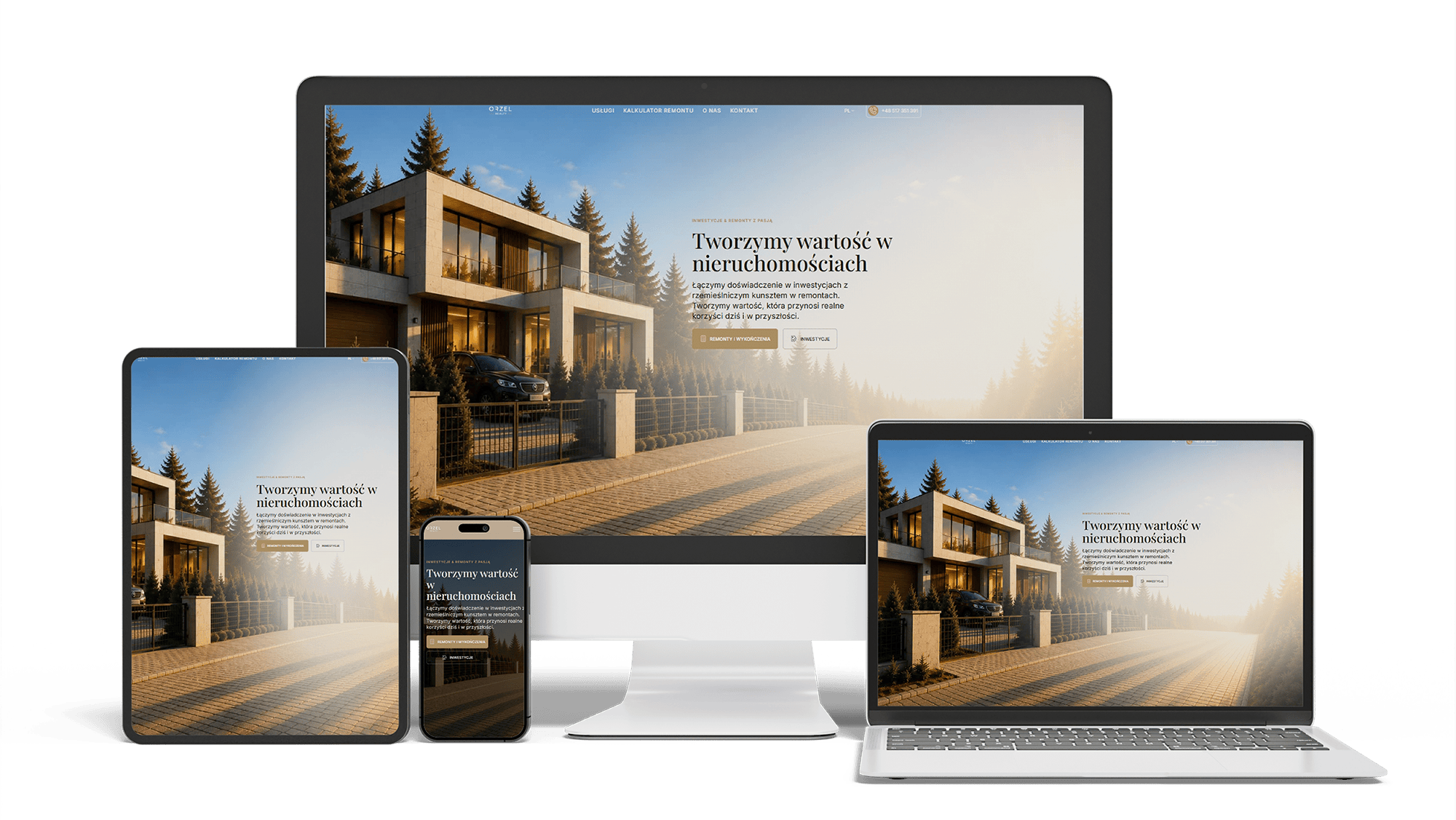
Renovation and investment website with a premium feel and 96/98/100/100 performance
96/98/100/100Design system2 languages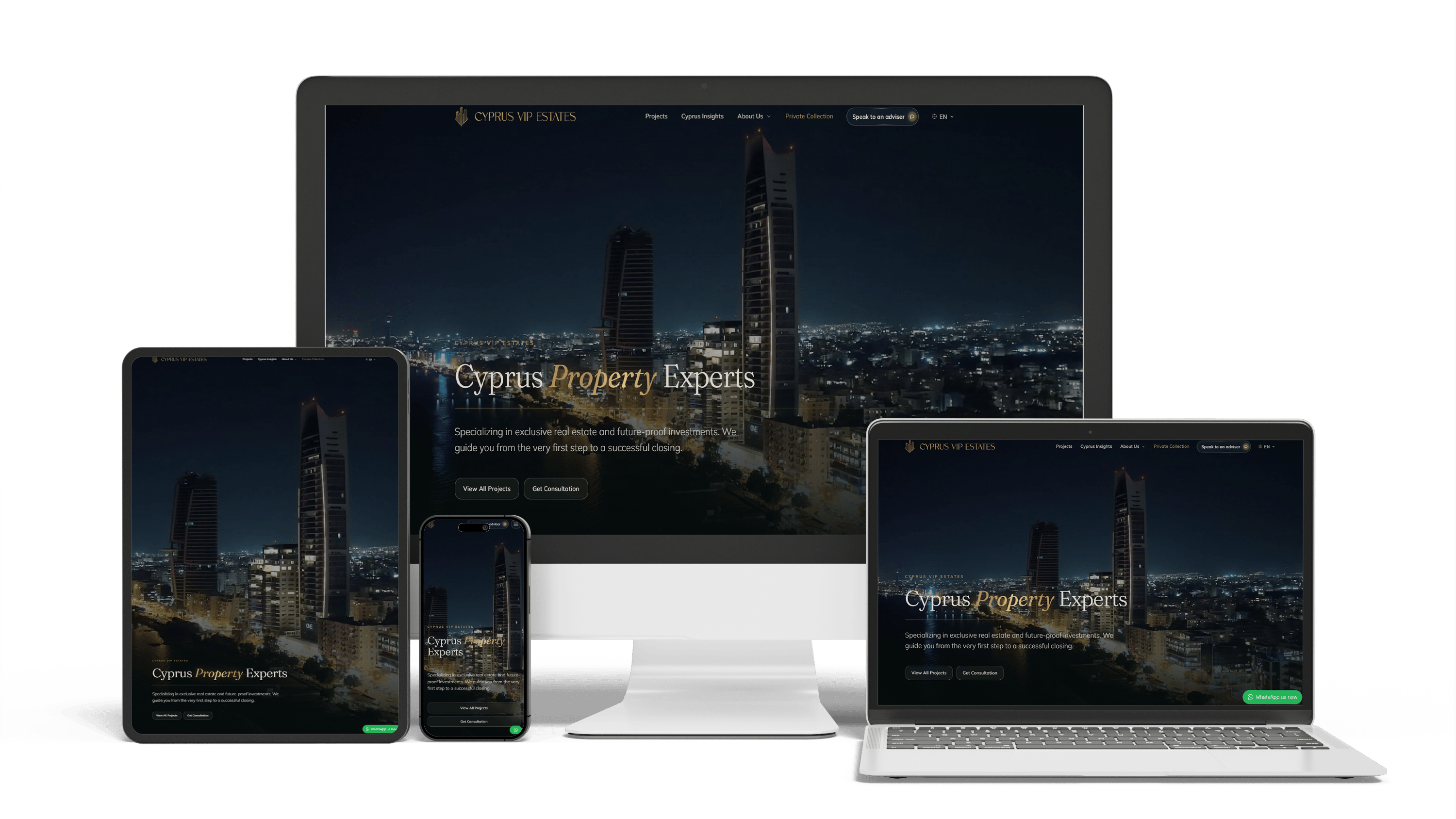
Multilingual real estate platform in Cyprus: SEO and GEO without bought links
16× faster editingTraffic from ChatGPTLeads via WhatsApp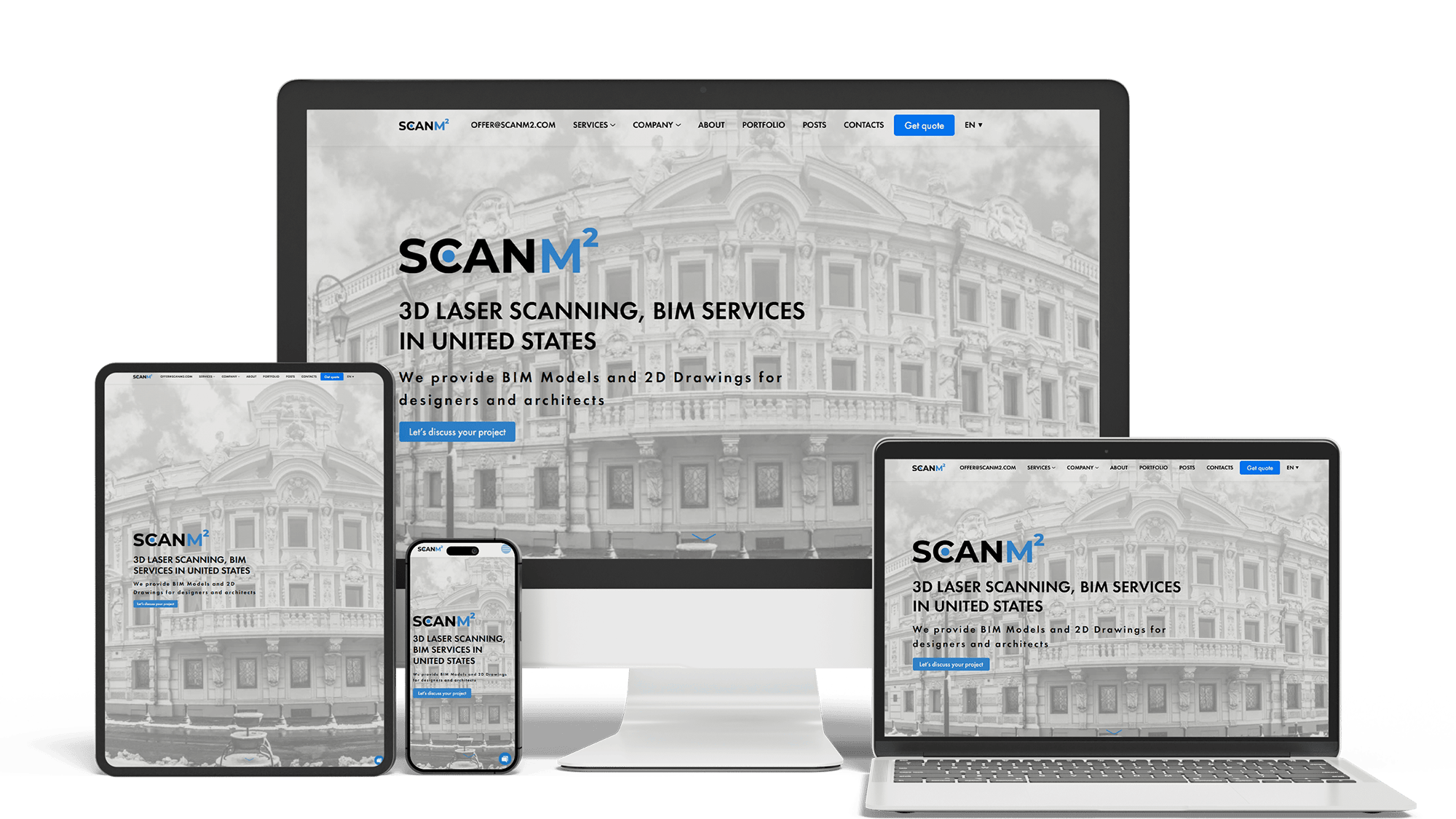
Architecture Website Rebuild and SEO
29× organic trafficLoads in under 1 sTop 3 in Poland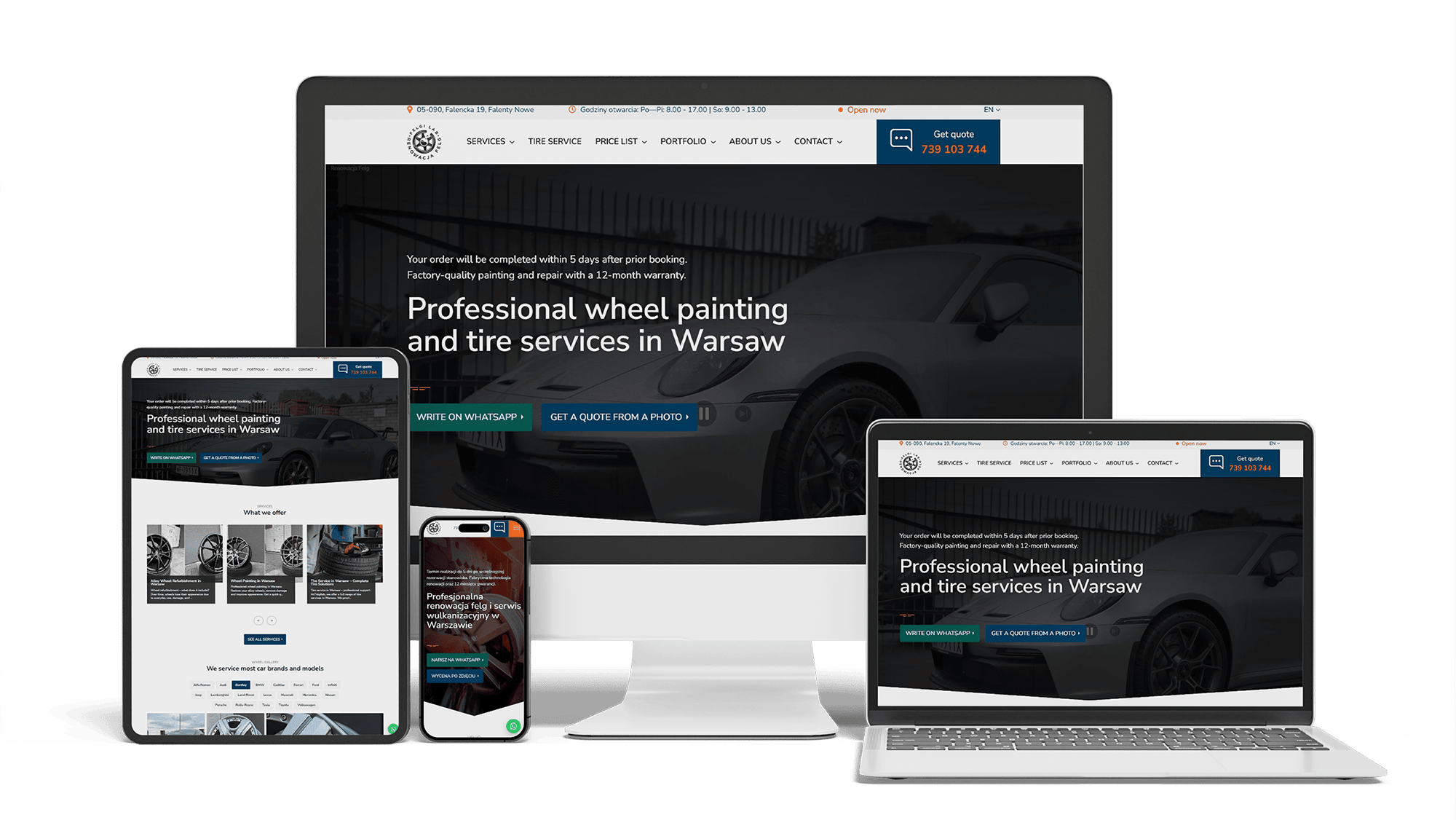
Full WordPress Rebuild for a Car Rim Restoration Company
92/91/96/100Photo quote formLocalBusiness markup
Full Multilingual Website Development & SEO for Student Services
+5,930 clicks in 6 months359k impressionsTeam edits it
Get a quote for your home builder website design
I reply within one business day with a page plan — communities, plans, move-in homes or projects — and a fixed price.
I do home builder website design and build the site myself, whether you build on clients’ lots or in your own communities; one person handles design, code and content, at one price. A builder’s website is not visited once. A family returns to it for months — after a drive through a community, after a talk with a lender, before each weekend of model tours — and every visit should bring them one step closer to a contract.
On a phone, before any scrolling, the first screen answers four questions:
- where you build — towns, counties or communities, named
- what you build — custom homes on the buyer’s land, homes in your communities, or both
- the price level — “from the low 400s” or a range for custom work, if you publish one
- the next step — browse communities, see plans, or start a custom build conversation
A full-screen video of a finished kitchen at sunset looks good in a pitch and pushes all four answers off the screen. It belongs further down, on project and model pages.
Custom home builder websites
The custom buyer is choosing a team for a project of a year or more. The site is organized around trust: finished projects with their stories, the build process, the people who run the job, the architects and designers you work with, and how pricing works. Proof that you finish what you start matters more than lots and plans.
Production and semi-custom builder websites
The production buyer is choosing a place and a plan. The site works as a catalog: communities, floor plans and move-in-ready homes, all linked to each other, with filters by area, price, size and bedrooms. The design job is making a large catalog easy to browse on a phone. Builders who do both get two clear entry points on the home page, so a custom client never lands in an inventory list.
The community page is where a buyer decides whether to drive out. Its center is the site plan: homesites marked available, reserved, sold or under construction, and a tap on a lot shows its size, orientation, lot premium and the plans that fit. On a phone a detailed site plan is hard to tap, so a list view sits next to it — lot number, size, status and price, sortable.
Status changes weekly, so your sales team updates it in the admin panel, or it comes from the lot inventory tool you already use if that tool offers an export. Around the map: the location and drive times, amenities open today, HOA dues, the plans offered, and the sales office hours with a tour button.
Plan pages get the most repeat visits on a builder site. Buyers print them, send them to a parent and put two side by side. Each plan gets:
- a large plan image that zooms, with room dimensions, and a printable version
- elevations as a switch on the same page, not as separate pages
- the main options — extra bedroom, extended patio, third garage bay — shown on the drawing where possible, or listed with pictures
- the key numbers in a fixed block: square feet, beds, baths, garage, stories
- a compare button that keeps the buyer’s shortlist on their device
- every community that offers the plan, with its starting price there
Models and finished or nearly finished spec homes bring buyers in this month. Each appears as a card: photo, lot or address, plan, completion month, a status label — under construction, ready in June, move-in ready, sold — and a button to book a tour. Your sales team changes status and price in a short form, without waiting for a developer. When a home closes, it leaves every list and its page offers similar homes instead of an error.
For a custom builder the gallery is the sales pitch, and it works when each project is a page, not a pile of photos:
- a professional shoot of the finished home, inside and out, in one style across all projects
- a few lines on the brief, the lot, the architect if there was one, the size and the build time
- construction-stage photos for buyers who want to see what sits behind the drywall
- a 3D tour or video walk-through that starts on tap, so the page stays light
- a quote from the owners, with their name, if they agreed to it
Custom and semi-custom buyers fear two things: the budget growing and the schedule slipping. A process page answers both before the first meeting. It shows the steps with typical durations — design and selections, permits, site work, foundation, framing, mechanicals, finishes, final walkthrough — and separates what the base price includes from what counts as an upgrade. Selections at the design center get a short section of their own, because that is where budgets usually move.
Few buyers want to talk on the first visit, so every stage gets a step that fits it:
- an interest list for each community, for lot releases and price news — one email field, community already selected
- model tour booking with the times the sales office is open
- a custom build inquiry that asks about the lot, the size and the timing, and nothing more at first
- call and text buttons for those who would rather talk now
Each lead reaches your CRM — HubSpot, Salesforce, Lasso, BuildBook or whatever your sales team works in — with the community and plan attached. How it gets there depends on your plan with that CRM, so I confirm the connection method before giving a price.
Many builders work with a preferred lender and run incentives — help with closing costs, rate buy-downs — that change by month and by community. The design gives them a fixed place: a slim banner on community and inventory pages with an end date and a link to the conditions, and the lender’s own wording and disclosures for anything about rates. The warranty — a one-, two- and ten-year structure, or whatever you offer — has its own page and a one-line summary near the contact buttons.
Lists of the best home builder websites mix national builders with small custom shops. Set the budgets aside and the patterns repeat:
- real photos of finished homes, with renderings only for what is not built yet
- communities, plans and available homes linked within two taps
- prices or price ranges shown, not hidden behind a form
- a clear path for a custom build next to the catalog
- pages that stay fast on a phone despite heavy imagery
Inspiration galleries show home pages; open a plan page and a community page too. That is where a buyer decides to book a tour.
A buyer can ask ChatGPT, Perplexity or Google’s AI Overviews to “compare new home builders near Boise” or “find single-story new homes near Raleigh with a big lot”. An assistant can suggest only what it can read. The design keeps community names, locations, price ranges, plan specifications, warranty terms and years in business as page text, not inside renderings, PDFs or map widgets, with structured data describing the company, its offices and the homes for sale. Prices and availability carry the date they were last checked.
Getting named in those answers takes ongoing work; it is described on the AI SEO and GEO optimization page; ranking in Google for your towns and communities is covered on the SEO for home builders page.
There is no separate design fee: both prices include the design.
- Simple builder site with a home page, about and process pages, a projects or plans section and inquiry forms: 700–1,400 €.
- Builder site with community pages and lot maps, filterable floor plans, move-in-ready inventory your team updates, project galleries, CRM connection and local SEO groundwork: from 2,000 €.
You own the domain, the hosting account, the code and the content from launch day. Replacing an older site goes through the website redesign process, which keeps addresses and redirects in place. Price ranges for every service are on the pricing page; my general approach to building sites is on the website development page. General contractors and commercial construction firms will find their version on the construction website design page.
Home builder website design: frequently asked questions
Order home builder website design: what to send me
Tell me the builder’s name and current site, what kind of homes you build and where, the communities and plans on offer or a few finished projects, the CRM your sales team uses and two or three builder sites you like. Photos of finished homes help me show you a first screen that looks like your company. My reply comes with a page list and a fixed price. Use the form above or write on WhatsApp.