


Medical Website Design
I design and build medical websites for doctors, private practices and clinics: doctor profiles with credentials, a booking path that takes a few taps, insurance and portal links patients can find, and forms that keep health details safe.
- Design + build, one price
- From 700 €
- Reply within one business day
What you get with medical website design
- Doctor profiles with real photos and credentialsSpecialty, board certification, languages, a book button
- Service and condition pages with a named reviewerPlain language, a review date, no medical advice
- Booking, patient portal and telehealth in one placeNew patients book, existing patients log in
- Forms that keep health details off emailClinical data only through providers built for it
- Designed to WCAG for older patientsLarge text, strong contrast, screen-reader ready
- Readable by Google and AI assistantsDoctors, services, insurance and hours as text

Full Multilingual Website Development & SEO for Student Services
+5,930 clicks in 6 months359k impressionsTeam edits it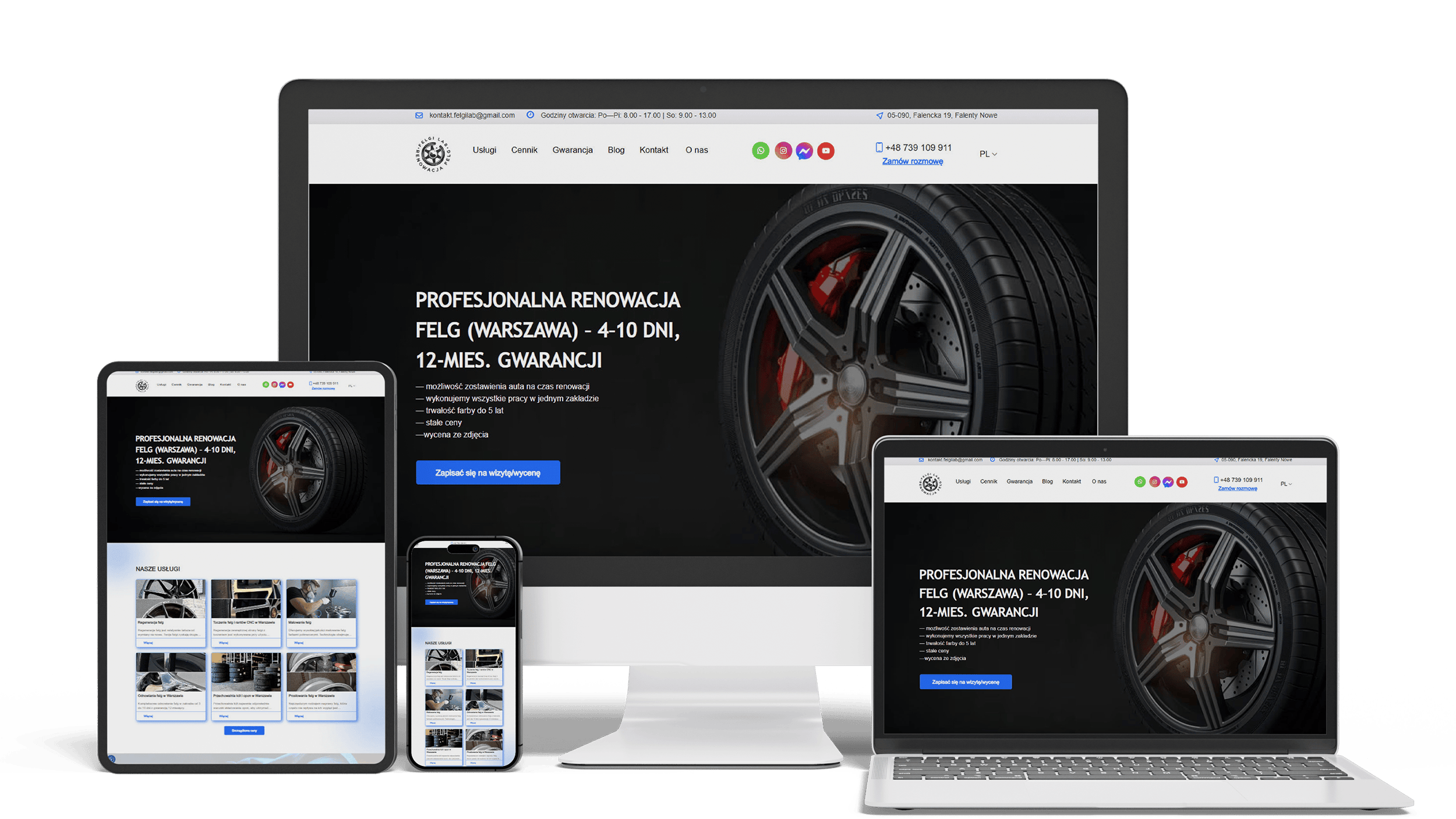
Auto Repair SEO & UX Boost
Performance 90++10% organic trafficLeads from forms
Full WordPress Rebuild for a Car Rim Restoration Company
92/91/96/100Photo quote formLocalBusiness markup
A multilingual landing page for a wheel and tyre storage business
100/95/100/1003 languagesClient edits it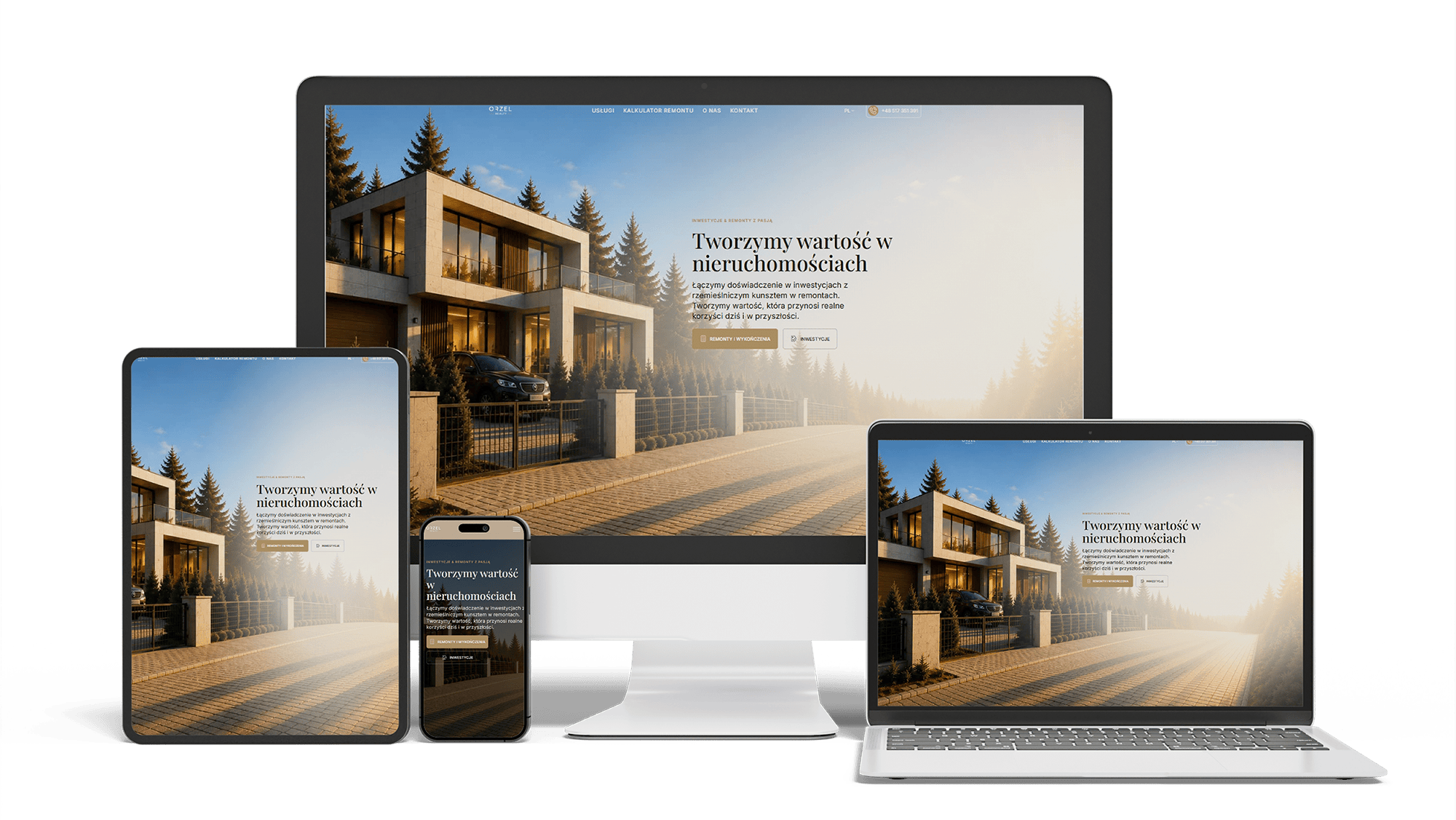
Renovation and investment website with a premium feel and 96/98/100/100 performance
96/98/100/100Design system2 languages
Get a quote for your medical website design
I reply within one business day with a proposed layout for the home page, a doctor profile and a service page, and a fixed price.
I design medical websites for doctors, private practices and clinics, and I build them myself, so the design and the build come from one person at one price. A medical website is opened by people who are worried, unwell or caring for someone who is — often on a phone, and often older than the average web user. The design has to make three things easy: choosing a doctor, understanding what the practice treats and booking a visit without waiting on hold.
Patients do not choose a practice by its logo. They look for signs that the doctors are qualified, that the place is real and that the visit will be simple to arrange. A calm design helps them find those signs: generous white space, one accent color reserved for the booking button, readable type and no sliders that move while someone is trying to read.
The first screen of a practice website answers four questions, in this order:
- who you are and what you treat — “Family medicine and pediatrics in [your town]”, not “Your health is our priority”
- whether you are accepting new patients
- how to book: online, by phone or both
- address, hours and parking or transit, one line each
The language stays plain: “hypertension” once, then “high blood pressure”. Medical practice websites fail more often on jargon and on menus that copy internal departments than on looks.
For many patients the doctor matters more than the clinic. Every physician, nurse practitioner and physician assistant gets a profile page, and doctors website design starts with that template, because it is reused more than any other:
- a real photo taken in your own rooms, in natural light, framed the same way for everyone
- full name, title, specialty and board certification, written as text
- medical school, residency and hospital affiliations
- languages spoken and the patients the doctor sees: adults, children, new patients
- the services this doctor provides, linked to their pages, and a button to book with this doctor
Stock photos of models in white coats are recognized at once and work against you; a short session photographing the real team and rooms does more for trust. Group practices also get a page per location, listing the doctors who work there.
Patients search for what bothers them — knee pain, a skin check, a sports physical — and land on a service or condition page, not on the home page. Web design for clinics therefore gives each service and each main condition you treat its own page, laid out the same way: what it is in plain words, who it is for, what happens at the visit, how to prepare, whether insurance usually covers it, which doctors provide it and a booking button.
Google treats health content as “your money or your life” and holds it to a higher standard. The design makes room for the signals that standard looks for: the name and credentials of the clinician who wrote or reviewed the page, the date of the last review and sources where a page states facts. The site describes your services; it does not give medical advice, and every condition page leads to an appointment rather than to self-treatment.
Booking is the most important route through the site, and it should be a few taps from any page. On phones, a fixed bar at the bottom of the screen holds two actions: book and call. Behind the book button sits whatever your scheduling system offers — an embedded widget, a link to your booking page or a short request form when online self-scheduling is not possible.
Around it, patients look for:
- a link to the patient portal for existing patients, kept apart from booking so new patients are not sent to a login screen
- a telehealth entry: which visits can be done by video, how to join and what to prepare
- insurance accepted: the plans you take, as a text list, and what self-pay patients pay for common visits
- new-patient forms to fill in through the portal before the first visit
Accepted insurance belongs in text, not in a picture of logos: patients search the page for the name of their plan, and so do search engines.
Older adults are among the most frequent users of medical websites, and many of them see poorly, use a screen reader or find small targets hard to tap. Accessibility is part of the design from the first sketch and follows the WCAG guidelines:
- body text of at least 16 pixels and contrast that meets WCAG level AA
- large buttons with space between them, and links that say where they lead
- forms with visible labels, clear error messages and no time limits
- full keyboard navigation and a correct heading order for screen readers
- captions on videos and text alternatives for images that carry information
I design to the guidelines and test the result with automated tools and a screen reader; your legal obligations toward patients with disabilities are a question for your lawyer.
Many practices see patients who are more at ease in Spanish, Polish, Ukrainian or another language. A language switch that leads to one machine-translated page disappoints them. A multilingual medical website gives each language its own address, translated service pages and doctor profiles that say which languages each doctor speaks, so a patient can book with someone they can talk to.
I build the structure, the language switch and the search setup for each version; clinical wording in another language is checked by a clinician or a medical translator from your side.
A contact form looks harmless until a patient types a diagnosis into it. In the United States, a form that collects health information for a practice can fall under HIPAA, and a service that receives that data may need to sign a business associate agreement. There are two safe ways to design for it:
- keep clinical details off the website: the form asks for a name, contact details and a preferred time, and says plainly not to describe symptoms
- where a clinical form is needed — intake, referrals, refill requests — run it through a form or portal provider that signs a business associate agreement, not through ordinary email
Analytics and advertising scripts are set up so that pages and forms do not pass health information to third parties. Whether a setup meets your legal obligations is confirmed by your compliance officer or lawyer.
I have built a medical system that handled patient data, under NDA, so I cannot name it. The rule I carry from that work into every medical website: collect as little health information on the site as the task allows.
Patients increasingly ask ChatGPT, Perplexity or Google’s AI Overviews which doctor nearby treats a condition, takes their insurance or speaks their language. Assistants answer from what they can read and check. The design keeps those facts in text and in structured data: doctors with their specialties and credentials, services, locations, hours, insurance plans and languages — matching your Google Business Profile and directories such as Healthgrades or Vitals.
Getting a practice into those answers is ongoing work, described on the AI SEO and GEO optimization page. Being found in Google for your specialty and town is covered on the SEO for doctors page; clinics with several departments or locations will find the medical SEO page more useful.
A medical website design template or a free healthcare website template looks complete in a demo, because the demo is filled with stock doctors and invented departments. With a real practice’s content the gaps show: one page for all doctors, no place for credentials, a contact form where booking should be, no language versions and accessibility nobody has tested.
A template is a fair start for a solo physician who needs an address, hours and a phone number online. A custom design pays off with several doctors or locations, online booking, more than one language or a dependence on new patients from search.
Lists of the top 10 medical websites mix hospital groups and small clinics; they give medical website design ideas only if you look past the budgets. What makes the best medical websites work fits a three-doctor practice too:
- what the practice treats and where, stated on the first screen
- booking visible on every page, with the patient portal kept separate
- a profile for every clinician, with credentials and a real photo
- service and condition pages written for patients, signed and dated
- insurance, hours and directions as text
- readable type, strong contrast and forms that work with a screen reader
- Brief. You send the list of doctors, services, locations and insurance plans, and the questions your front desk answers most often.
- Patient paths. I map the three routes that matter — book a first visit, find a doctor, reach the portal — and agree them with you on a phone screen.
- Design. The home page, a doctor profile and a service page are designed in full; the other pages follow the same system.
- Build and checks. The site is built, booking and portal links are connected, and accessibility and forms are tested before launch.
If you already have a site and want a new design without losing your Google positions, the website redesign process keeps addresses and redirects in place. Dental practices have their own pages on dental website design and on building a dental clinic website. Psychologists and therapists, whose clients need even more discretion, will find a separate page on websites for psychologists and therapists.
Design is not sold separately; it is part of building the site, and the price covers both.
- A simple medical practice website — home, doctors, services, insurance, contact and a booking link: 700–1,400 €.
- A medical website with doctor and location pages, service and condition pages, booking and portal integration, language versions and accessibility testing: from 2,000 €.
Send a short description of the practice and I will prepare a fixed quote. Full price ranges are on the pricing page.
Medical website design: frequently asked questions
Order medical website design: what to send me
Send the practice name, a link to the current website or Google profile, the list of doctors and services, your locations and the booking or portal system you use. A few photos of the team and the rooms help me show you a first screen that looks like your practice. I will reply with a proposed layout and a fixed price. Use the form above or write on WhatsApp.