


IT Company Website Design
I design IT company websites and build them myself in Next.js or WordPress: diagrams instead of stock photos, service, technology and case study pages on shared templates, real engineers on the team page, a careers section and light and dark themes.
- Design + Next.js build, one price
- From 700 €
- Reply within one business day
What you get with IT company website design
- Diagrams instead of “people at laptops”Architecture schemes, flows, before/after systems
- Service and technology page templatesOne layout per service, stack and industry
- Case study pages buyers can scanSummary box, architecture, stack, outcome
- Certifications and partner status with proofISO 27001, cloud partner tiers — the ones you hold
- Engineers and careers sectionsReal people, roles and open positions
- Readable by ChatGPT and AI OverviewsServer-rendered text, not facts hidden in tabs
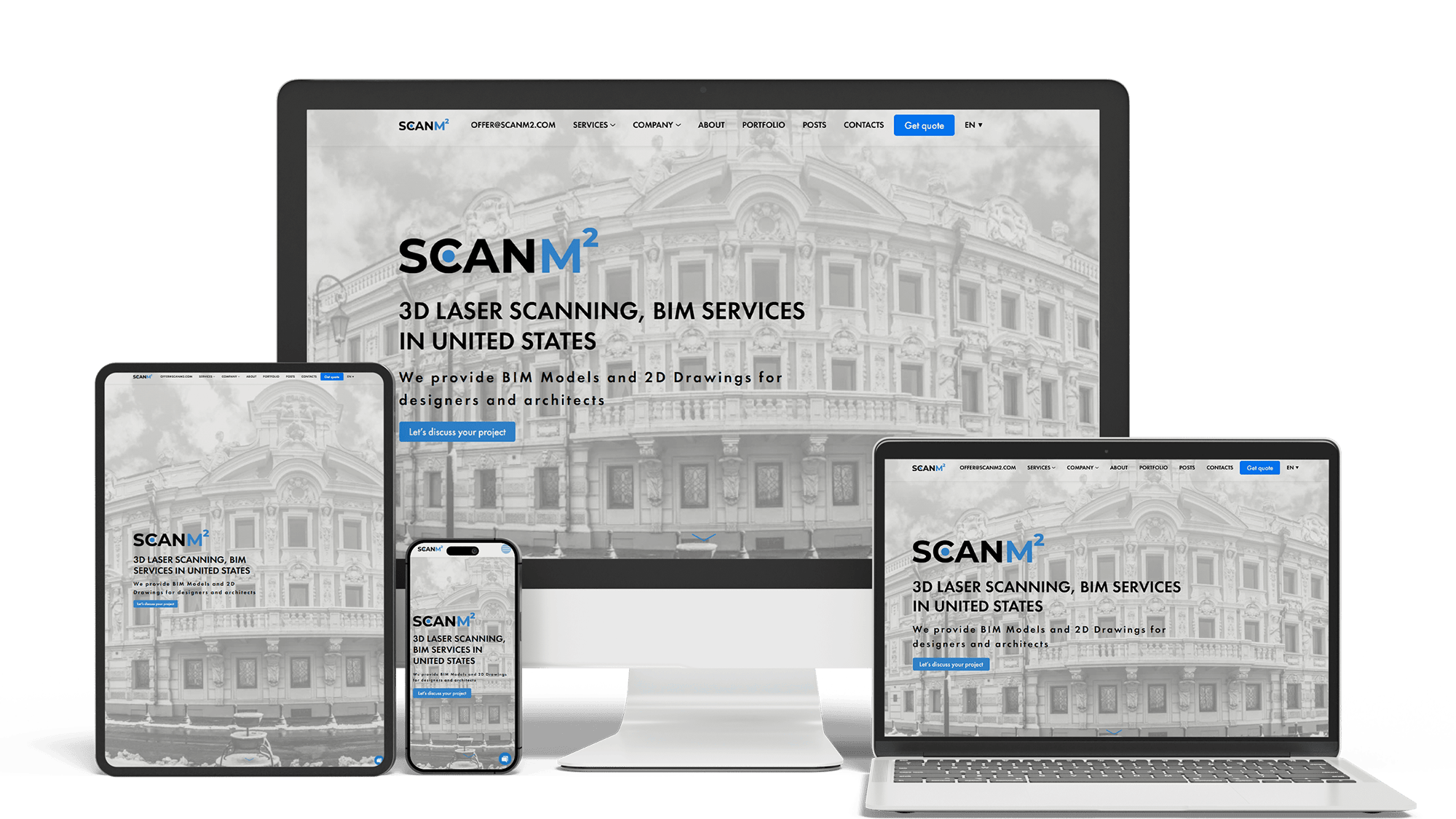
Architecture Website Rebuild and SEO
29× organic trafficLoads in under 1 sTop 3 in Poland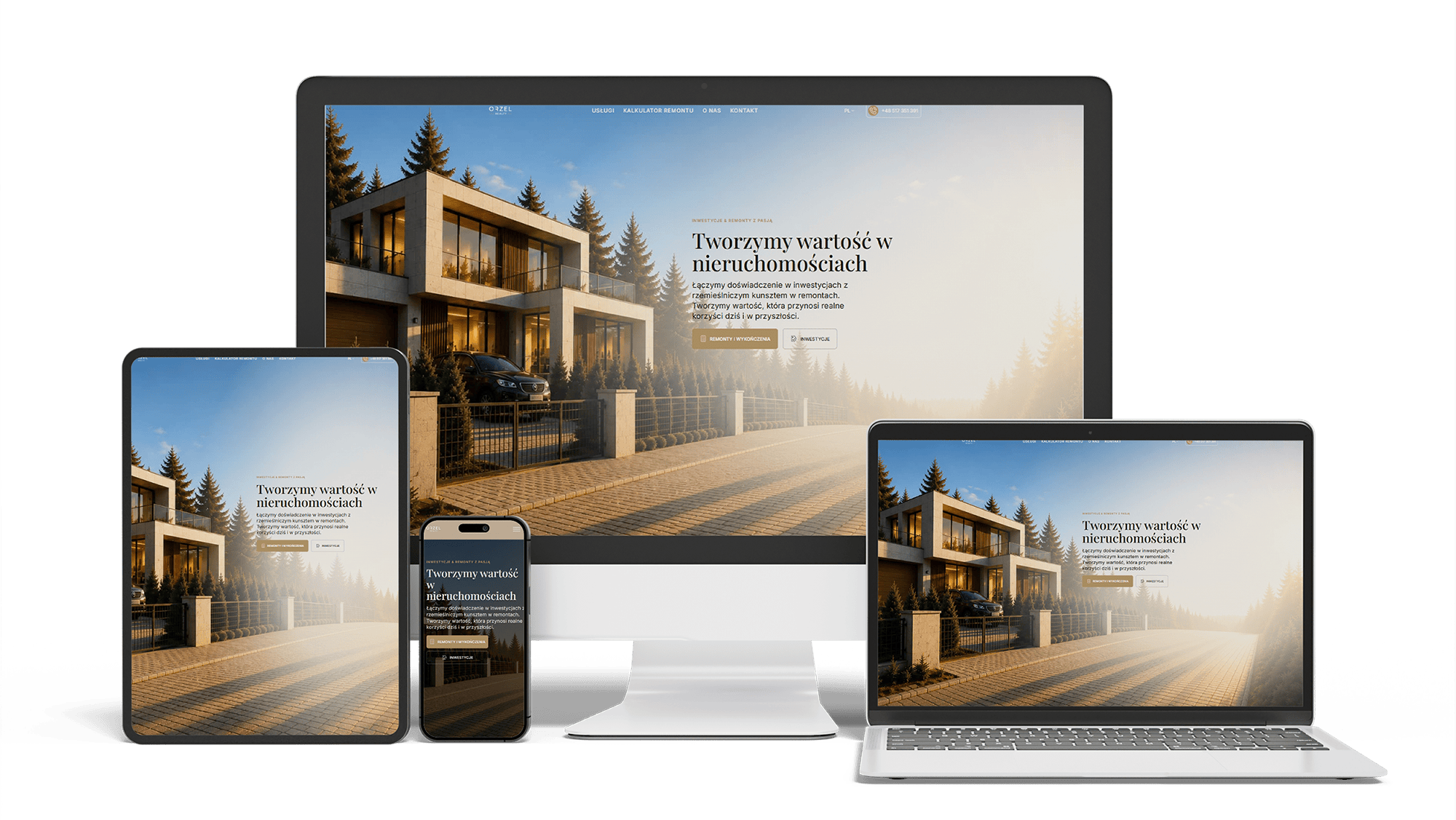
Renovation and investment website with a premium feel and 96/98/100/100 performance
96/98/100/100Design system2 languages
Full Multilingual Website Development & SEO for Student Services
+5,930 clicks in 6 months359k impressionsTeam edits it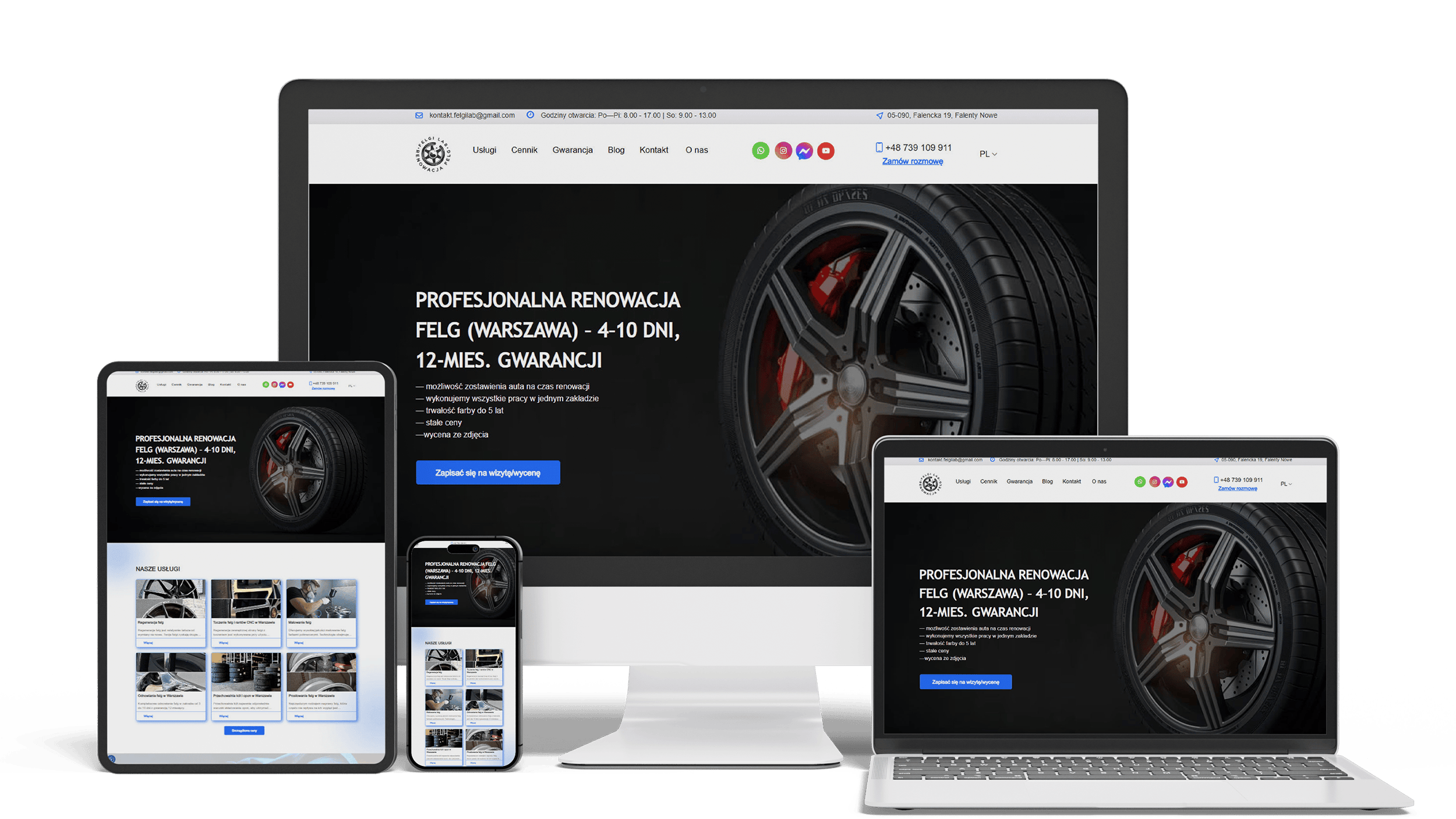
Auto Repair SEO & UX Boost
Performance 90++10% organic trafficLeads from forms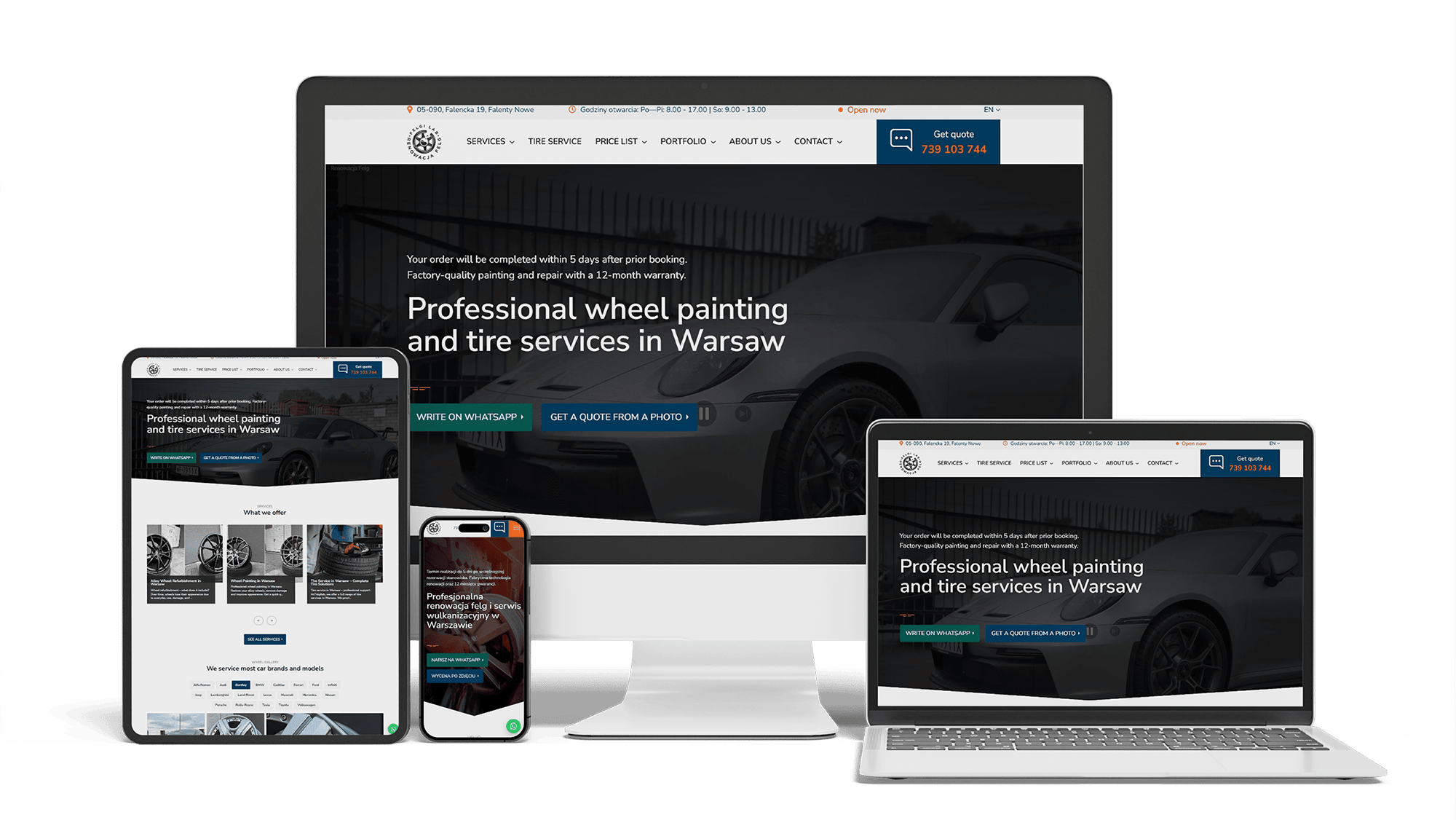
Full WordPress Rebuild for a Car Rim Restoration Company
92/91/96/100Photo quote formLocalBusiness markup
Get a quote for your IT company website design
Expect a reply within one business day: a page plan covering home, services, case studies and careers, plus a fixed price.
I offer IT company website design to development studios, MSPs, outsourcing providers and cloud or security consultancies, and I code the result myself in Next.js or WordPress, so the design and the build are a single price. An IT company sells something nobody can see — code, infrastructure, uptime, security — and the design has to make that work visible to a buyer who is not always technical.
Three groups read an IT company’s site, often on the same day:
- technical buyers — CTOs and engineering managers — who check the stack, the architectural thinking and the seniority of the team
- business buyers — founders, operations or finance leads — who want the problem you solve, how the work is organized and what it costs
- candidates — engineers deciding whether to apply
The first screen speaks to the business buyer in one plain sentence. The menu then gives each group its own way in: services, technologies, case studies, team, careers.
Stock images of people pointing at screens, glowing circuit boards and handshakes sit on thousands of IT sites and explain nothing. A diagram does: how a monolith is split into services, how data moves from a legacy system to the cloud, what the client’s team does and what yours does. I draw them as SVG in the site’s colors, starting from the sketches your engineers make on a whiteboard:
- process diagrams — the stages of a migration, a support request, a team onboarding
- architecture schemes on case studies, simplified so a non-engineer can follow them
- before-and-after system views for modernization projects
- one icon style drawn for the site instead of mixed icon packs
SVG diagrams stay sharp on any screen, weigh very little, and their labels are real text.
Every service page follows one template so a buyer can compare services side by side: the problem in the client’s words, what you deliver, how an engagement runs step by step, the technologies, typical team and timeline, related case studies and a contact button. Technology pages use a lighter version of the same layout — what you build with that stack, versions and tools, the team’s experience and projects. Shared templates also let your team add a service later without a designer.
Case studies are where technical buyers spend the most time. The layout lets them scan first and read second:
- A title with the service, the technology and the industry.
- A summary box: client type, region, team size, duration, stack.
- The situation and its constraints in a few short paragraphs.
- The architecture diagram and the key decisions behind it.
- Outcomes the client approved, with numbers where they exist.
- A client quote, if allowed, and links to similar projects.
Under an NDA the same layout works with an anonymized client: “a mid-sized logistics company in Germany” still tells a buyer a lot.
A buyer outsourcing development wants to know who will write their code. An engineers page with photos from one session, names, roles, years of experience, main technologies and, where people agree, links to GitHub or conference talks answers that better than a single group photo. Leadership gets short bios; delivery leads, who are the client’s daily contact, get as much space as the founders.
Procurement and security teams check proof before a contract. The design puts it near the contact button and on service pages, not only on an “About” page:
- certifications such as ISO 27001 or a SOC 2 report, with scope and date, as text — only the ones you hold
- Microsoft, AWS or Google Cloud partner status and earned specializations, each badge linked to the partner directory where possible
- client logos and quotes only with written permission
- a security page: where data is stored, who has access, how incidents are handled
A badge with no source invites doubt; one linked to the issuer’s listing settles it.
For many IT firms, more visitors come for jobs than for services. A careers section designed as its own part of the site helps both sides: candidates find roles, stack, salary ranges where you publish them, the hiring steps and how remote work is organized, while the sales pages stay focused. Open positions can come straight from your applicant tracking system, so HR updates them without touching the site. Photos of the team and real project work do more for applications than a list of perks.
Many engineers prefer a dark theme, and developer tools have made it common. Designing both themes from the start — with contrast checked in each — and following the visitor’s system setting is cheap at the design stage and expensive later. Interactive elements earn their place when they explain something: a cost estimate for a support plan, a clickable architecture diagram, a short product demo, code samples with syntax highlighting. Animation for its own sake slows the page and distracts buyers.
IT company website design templates on Framer, Webflow or WordPress, and Figma UI kits for IT sites, launch in days and look modern in their demos. They suit a young company with a few services and a small team.
The limits show with growth: dozens of service, technology and case study pages that should share data, a careers section tied to hiring tools, language versions, and SEO control that some builders restrict. A custom Next.js site — the stack I build in — gives full control over rendering, speed and structured data, and for an IT company it is also a sample of engineering quality that technical buyers notice. Companies selling their own software product will find that side on the startup website design page.
Dribbble and Behance shots of IT company website design ideas show home pages and UI details. The sites that bring clients share patterns further down:
- one sentence on the first screen saying what you do, for whom and where
- navigation by service, technology, industry and case study
- diagrams in place of stock photography
- case studies with facts in a summary box
- real engineers with names and roles
- careers as a separate section
- a contact path in reach from every page
General B2B patterns — catalogs, quote forms, dealer locators — are covered on the B2B website design page.
Buyers ask ChatGPT, Perplexity and Google’s AI Overviews for vendors with a certain stack, industry or location. IT company sites often hide exactly those facts: services behind animated tabs, the stack as a row of logos, case studies as PDFs, everything rendered in the browser. The design keeps services, technologies, industries, team size and locations as text on server-rendered pages, with structured data for the company and its offices.
Getting onto AI vendor shortlists is ongoing work, described on the AI SEO and GEO optimization page; being found in Google for your services is covered on the SEO for IT companies page.
- Brief: services, stacks, industries, case studies, brand assets and sites you like.
- Structure: menu and page templates, drawn for a phone first and agreed.
- Design: the home, a service page and a case study page in full, plus the first diagrams.
- Build: a fast site with a CMS your team edits, both themes and the careers feed connected.
Design and development are one price:
- A simple IT company website with services, team and contacts: 700–1,400 €.
- A site with service, technology and case study templates, custom diagrams, team and careers sections and light and dark themes: from 2,000 €.
Language versions are described on the multilingual website development page, a new design for an existing site follows the website redesign process, and all ranges are on the pricing page.
The marketing site of a SaaS product has its own page: SaaS website design.
IT company website design: frequently asked questions
Order IT company website design: what to send me
Share the current site, your main services and technologies, two or three case studies you can show, the certifications and partner statuses you hold, whether you are hiring and links to IT company sites that impressed or annoyed you. In return you get a page plan — home, services, case studies, careers — and a fixed price. Use the form above or write on WhatsApp.