


Personal Trainer Website Design
I design and build personal trainer websites for independent trainers: separate pages for in-person and online coaching, packages people can compare, booking and payment on the site, programs you can sell online and local pages for clients who search for a trainer nearby.
- Design + build, one price
- From 700 €
- Booking and payments built in
What you get with personal trainer website design
- In-person and online as two offersOwn page, packages and button for each
- Packages people can compareSessions, length, price, what is included
- Booking and payment on the siteConsult slots, Stripe, deposits, monthly plans
- Programs sold with protected videoPersonal link after payment, no downloads
- Local pages for in-home trainingGym address, neighborhoods, travel radius
- Readable by Google and ChatGPTCertifications, formats and area as text
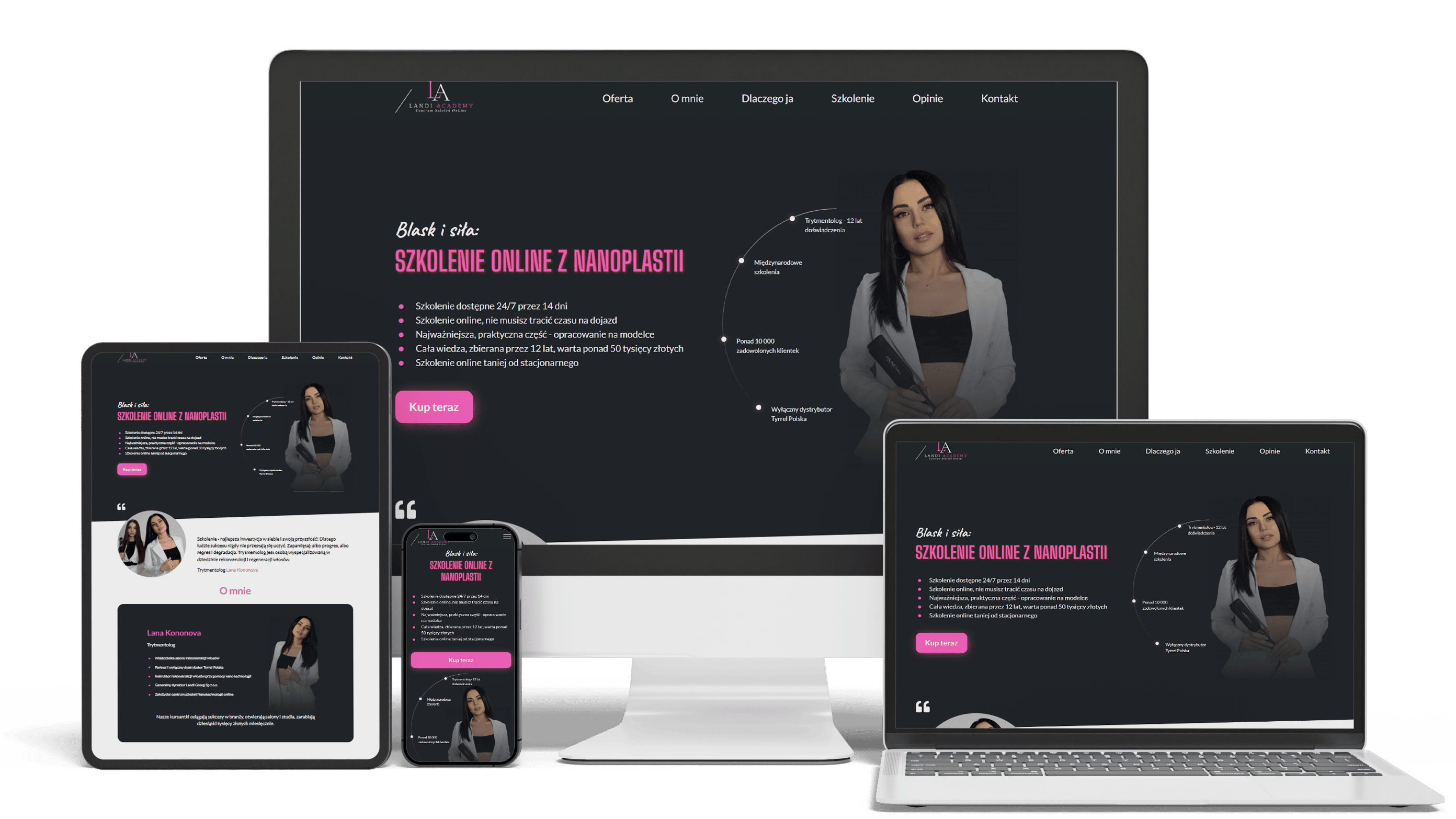
E-commerce landing page with secured video access
100+ course sales0 leaksLinks expire in 14 days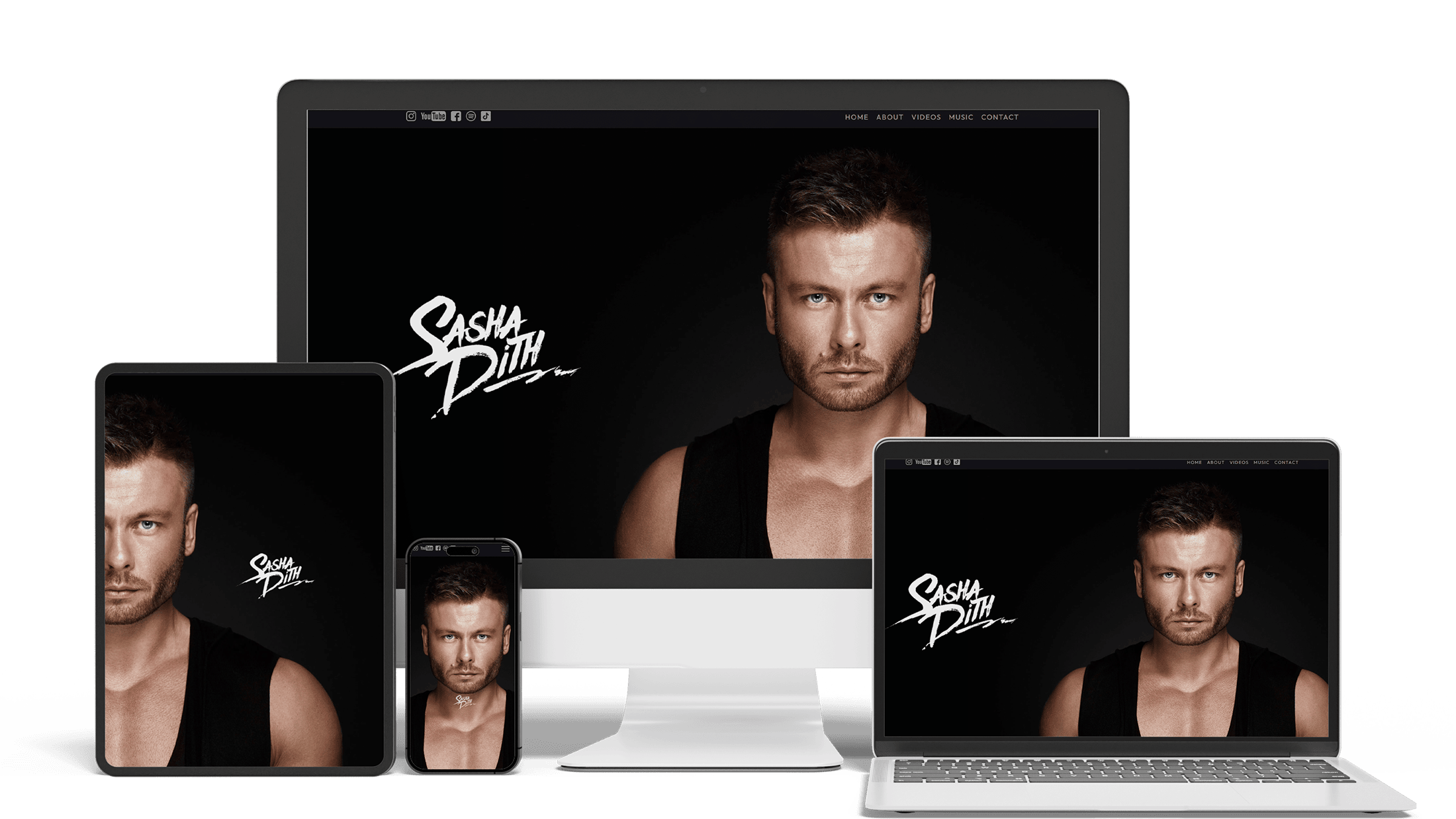
Official Website for DJ and Producer Sasha Dith
Loads in under 1 sBooking formVideo and music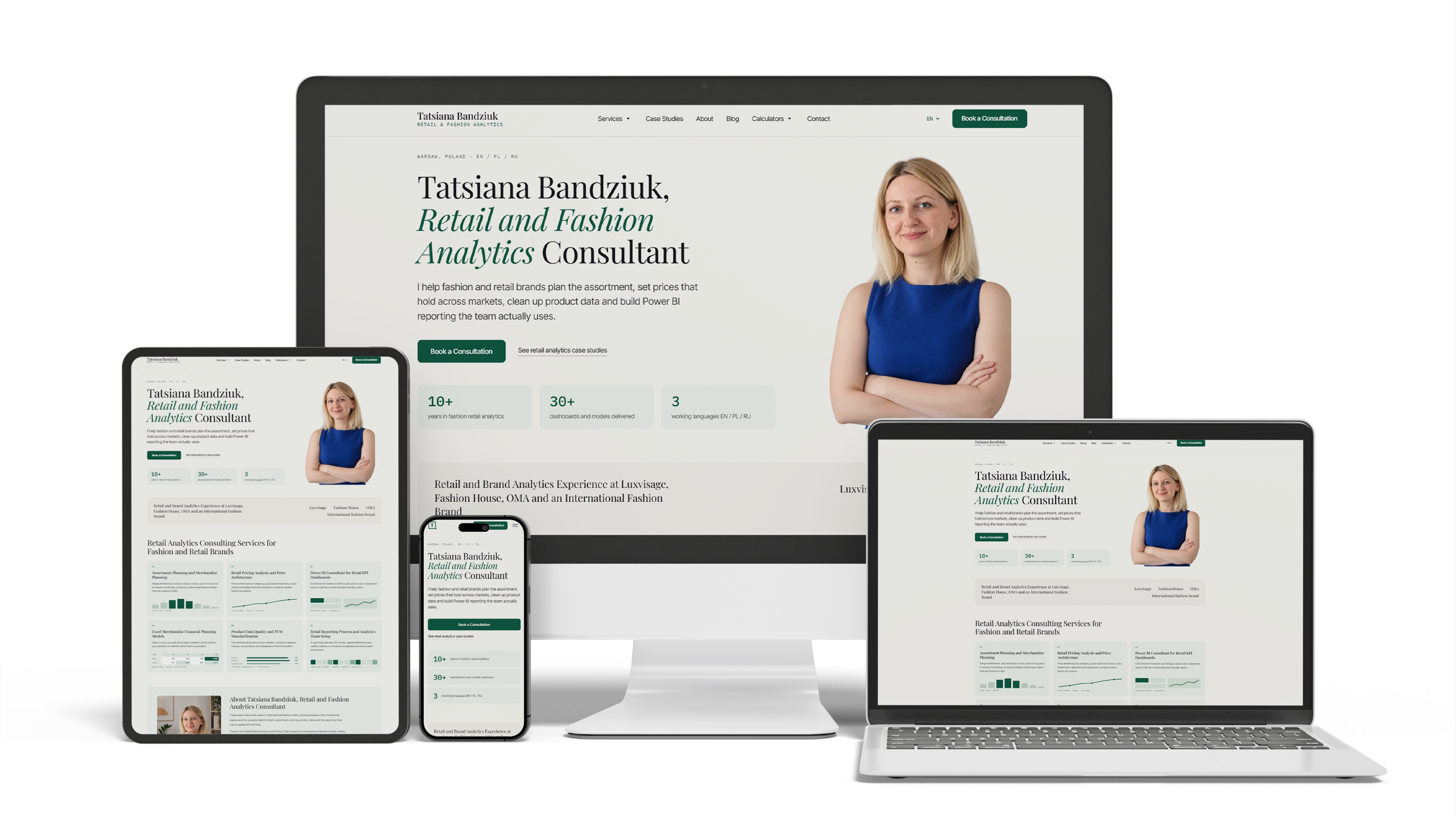
A consultant website for a retail analytics expert
100/100/100/100153 pages3 languages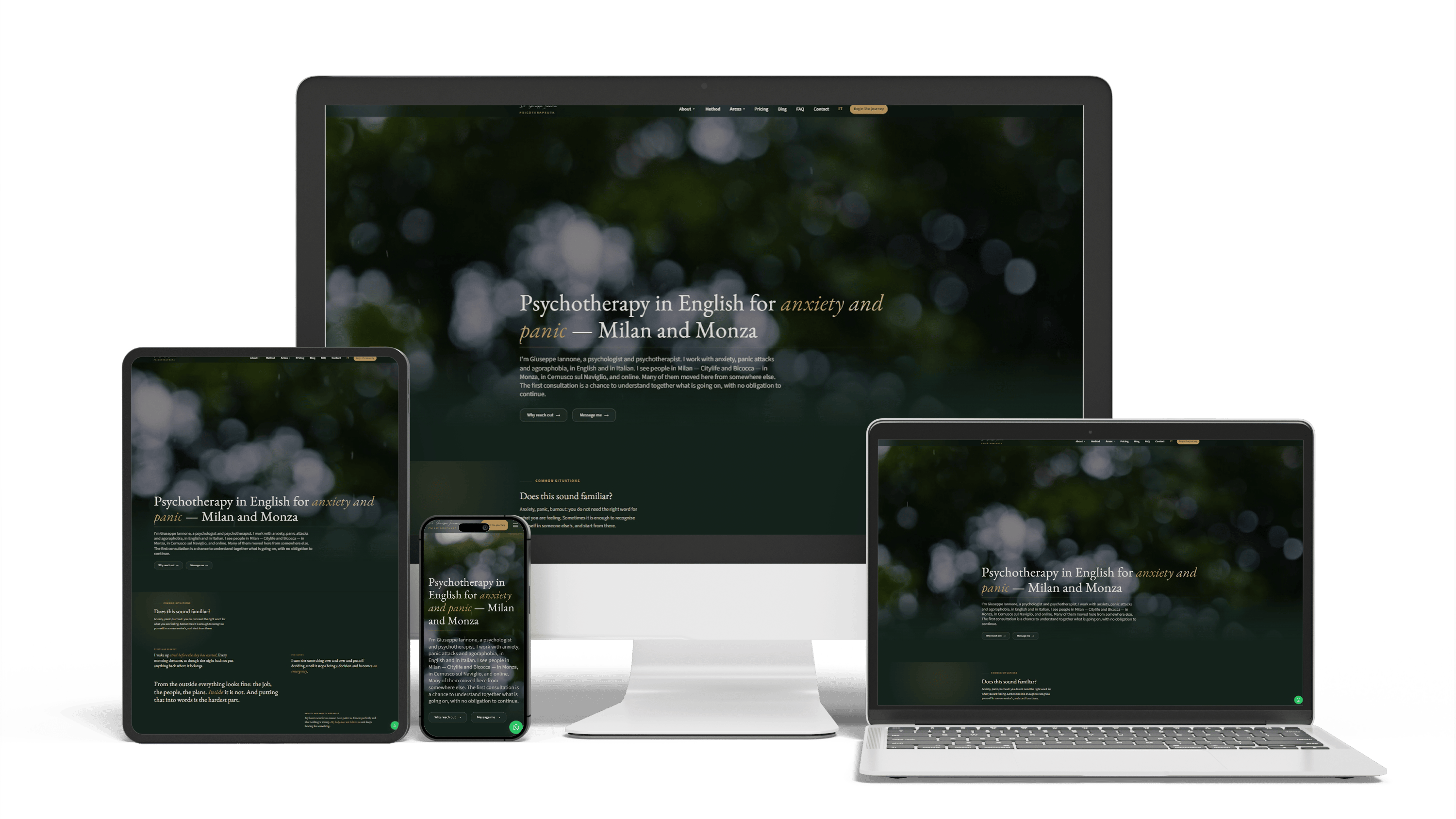
Bilingual psychotherapist website in Italy
468 of 468 posts moved2 languagesSeen in ChatGPT answers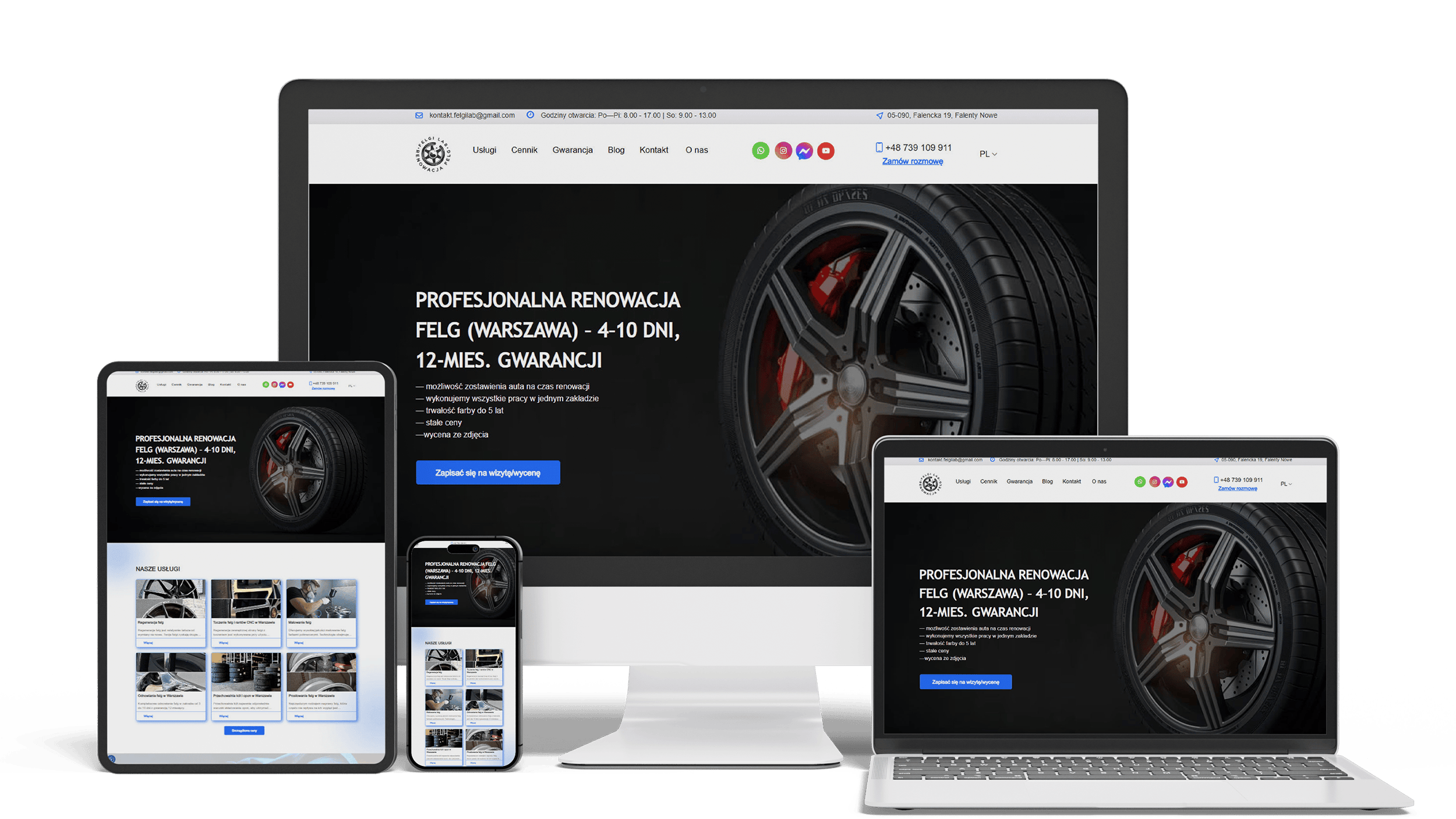
Auto Repair SEO & UX Boost
Performance 90++10% organic trafficLeads from forms
Get a quote for your personal trainer website
Within one business day you get a proposed page list for your coaching formats and a fixed price.
I design and build personal trainer websites for independent trainers who coach in a gym, in clients’ homes, in a park or online. One person does the design, the code and the launch, for one fixed price. Instagram shows how you train. The website answers what a ready-to-start client checks before paying anyone: where you train, what a package includes, what it costs, how to book a first meeting and how to pay — all without sending you a DM.
Most people open a trainer’s site on a phone, from your Instagram bio, a Google search or a link a friend sent. In a few seconds they look for three answers: is this coach for someone like me, can I train with them where I live, and what happens if I tap the button. The first screen answers all three in text:
- who you train and how, in one sentence — “Strength coaching for women over 40, in Denver gyms and online”
- your formats: gym, in-home, outdoor, online, small group
- one main button, the same on every page: “Book a free consult” or “See packages”
Photos come from a real shoot where you actually work. You correcting someone’s squat sells better than a model on a stock image. A short looping video can work too, as long as it is compressed and does not hold up the page on mobile data.
An in-person client and an online client buy different things. The local client cares about the gym or the home visit, time slots, travel radius and session length. The online client cares about the app, how the program arrives, how often you review form videos and answer messages, and what happens in a week they miss. Mix both on one page and each reader skips half of it.
So the home page splits visitors early — “Train with me in Denver” and “Coaching online, anywhere” — and each format gets its own page, packages and button. Hybrid clients, who see you twice a month and follow your app plan in between, get a block on both pages. People also search for an “online personal trainer and nutritionist”: if you hold a nutrition credential, the page names it and its scope; if not, it says you give general eating guidance and refer to a registered dietitian.
Price is the question people hesitate to ask and most want answered. You decide whether to show exact amounts or a starting price; either way the package page makes the structure easy to compare:
- a single session, packs of 10 or 20, or a monthly plan
- session length, place and the travel fee for in-home training
- what happens between sessions: an app program, form checks, messaging hours
- how long a pack stays valid, how to pause, the cancellation window
Three packages side by side read well on a phone; a fourth usually belongs on its own page. Packages are stored in the CMS as fields — name, number of sessions, price, what is included — so a price change takes a minute and cannot break the layout.
Two moments turn a visitor into a client: a booked first meeting and a paid package. The site handles both, so you are not chasing anyone through direct messages.
Booking a free consult or a paid assessment
The consult button opens a calendar with consult slots only — from Calendly, Acuity or the booking module of your coaching app — or a short form: name, contact, the goal in one line, in person or online, preferred times. Screening questions about injuries or a doctor’s clearance go to your inbox or app, never to a shared spreadsheet, and the form asks only what you will use. A line under the button says how long the consult takes and that nothing has to be bought on the spot.
Taking payment for packages, deposits and monthly plans
Package buttons lead to Stripe Checkout or to your coaching app’s checkout: one-off packs, monthly plans billed automatically, or a deposit that holds the first session. Cancellation and refund terms sit next to the button in plain words, and a confirmation email tells the client what happens next. Card details never pass through your website; the payment provider handles them.
A ready-made program — a 12-week strength plan, a return-to-training course after pregnancy, a mobility series — sells while you coach other people. The weak spot is delivery: a PDF or video link that one buyer forwards to a group chat of twenty.
For Landi Room, a beauty salon in Warsaw, I built a landing page for an online hair treatment course on Next.js and Sanity, with Stripe Checkout. Payment triggers an automatic email with a unique video link. That link stops working 14 days later, and there is no download button or file to pass around. More than 100 people bought the course from the first Google Ads campaign, and nobody got access without paying. A trainer’s video program fits the same setup: a sales page showing the plan week by week, the equipment and who it suits, then payment and access with no files sent by hand.
Before-and-after photos are the most persuasive part of a trainer’s site and the easiest to get wrong. A story goes live only with the client’s written permission for the photos, the name or initials and the quote. In the CMS each story has a consent field; without it, the story stays in draft, and removing one when a client asks takes a click.
Captions describe what the client did — three sessions a week for five months, a first pull-up, back pain gone in their own words — rather than promising the reader a number of pounds by a date. A line near the gallery says results depend on the person, their health, sleep and food. In the US, testimonials used in advertising fall under the FTC’s endorsement guides, so check the wording around them with your adviser.
People type “personal trainer near me”, and “in-home personal trainer near me” alone gets about 1,300 searches a month in the US. Google answers from your Business Profile, the location written on your site and pages that match the query. So the site names the gym you work from, with the address and a map. If you travel to clients, a service-area page lists the neighborhoods or ZIP codes you cover and how the travel fee works, while your Business Profile keeps your home address hidden. Two gyms mean two short pages with their own details.
Reviews come from clients you ask after a few weeks of training, on Google; the site links to them instead of copying them. Growing local visibility month by month is the work described on local SEO services; the website gives that work pages to point at.
Coaching platforms such as Trainerfu, PT Distinction and FitBudd include a simple trainer website, and Wix or Squarespace sell personal trainer website templates. If you are starting out, train in one gym and need four pages, a template is enough — I will say so on the first call, and the budget is better spent on a photo shoot.
Your own site pays off when you sell local and online coaching side by side, sell programs, need area pages or a second language, or expect to switch apps one day. The app keeps the training itself — programs, check-ins, progress logs. The site takes the first impression, search, booking and sales, and links to the app for login. Before signing with any platform, ask whether your domain, pages and addresses stay yours when you leave.
Lists of the best personal trainer website examples mostly show handsome home pages. What the useful ones share is less visible:
- the city, or “online”, in the first line
- one button, repeated, leading to a consult
- packages explained before anyone has to ask
- a real face and the real training place
- pages that open fast on a phone
Speed is the point people forget. On the site I built for Sasha Dith, a DJ and producer, video and music load only when needed, and pages open in under one second, replacing slow builder pages. The look follows your brand — a powerlifting coach and a Pilates-based trainer should not resemble each other — while the order of information stays the same.
Ask ChatGPT for a trainer who works with beginners in your part of town, or read Google’s AI Overview for an online strength coach, and the answer is assembled from pages the assistant could read. Your site gives it facts as text: name, certifications by name and issuing body — NASM, ACE, NSCA or ACSM, for example — formats, area, languages and starting price. Structured data describes you as a person and your services, FAQ answers are marked up, pages arrive from the server as ready HTML, and robots.txt states which AI crawlers may read them.
Credentials belong in text, not only in a strip of logos: assistants do not read logos. Giuseppe, a psychotherapist in Milan who works alone, as most trainers do, already sees new pages of the site I built for him in ChatGPT answers. The ongoing side of this is on the AI SEO and GEO optimization page.
Design is part of the build, so there are two price levels and nothing on top:
- A simple personal trainer website — home, about, one coaching format, packages, consult booking, contact: 700–1,400 €.
- A site with separate in-person and online pages, package payments, a program sales page with protected video, service-area pages, a second language or a blog: from 2,000 €.
Gyms and studios with class schedules and memberships have their own page on fitness studio website design. How I approach builds in general is under website development, and every price is on the pricing page.
Personal trainer website design: frequently asked questions
Order a personal trainer website: what to send me
Send your Instagram or current site, where you train (gym, clients’ homes, outdoors, online), your certifications, the packages or programs you sell and how you want clients to book and pay. A few photos of you working with clients help me plan the first screen. Within one business day you get a proposed page list and a fixed price. Use the form above or write on WhatsApp.