

Nonprofit Website Design
I design and build nonprofit websites: a donation page that works in a few taps on a phone, mission, impact and program pages, volunteer and event sign-ups, and a transparency page with your reports, Form 990 and Candid profile.
- Design + build, one price
- From 700 €
- Reply within one business day
What you get with nonprofit website design
- A donation page that converts on a phoneOne-time or monthly in a few taps
- Mission, impact and program pagesEach program on its own page
- Volunteer and event sign-upsRoles, shifts and dates people can join
- Reports, Form 990 and Candid in one placeProof for donors and grantmakers
- Donor CRM and donation platform linksBloomerang, Neon CRM, Salesforce — checked first
- Accessible and readable by AI assistantsWCAG 2.1 AA, key facts as text
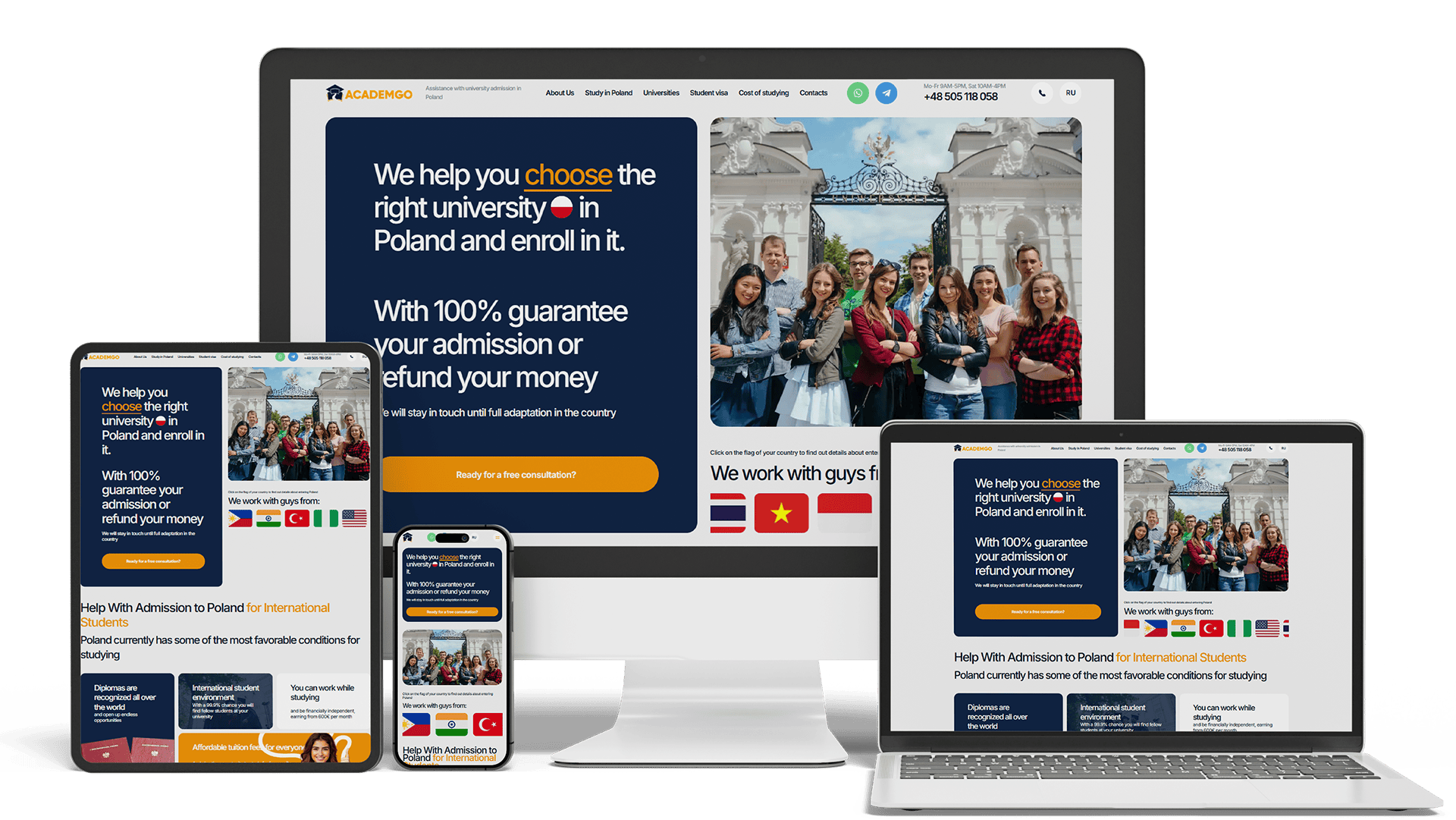
Full Multilingual Website Development & SEO for Student Services
+5,930 clicks in 6 months359k impressionsTeam edits it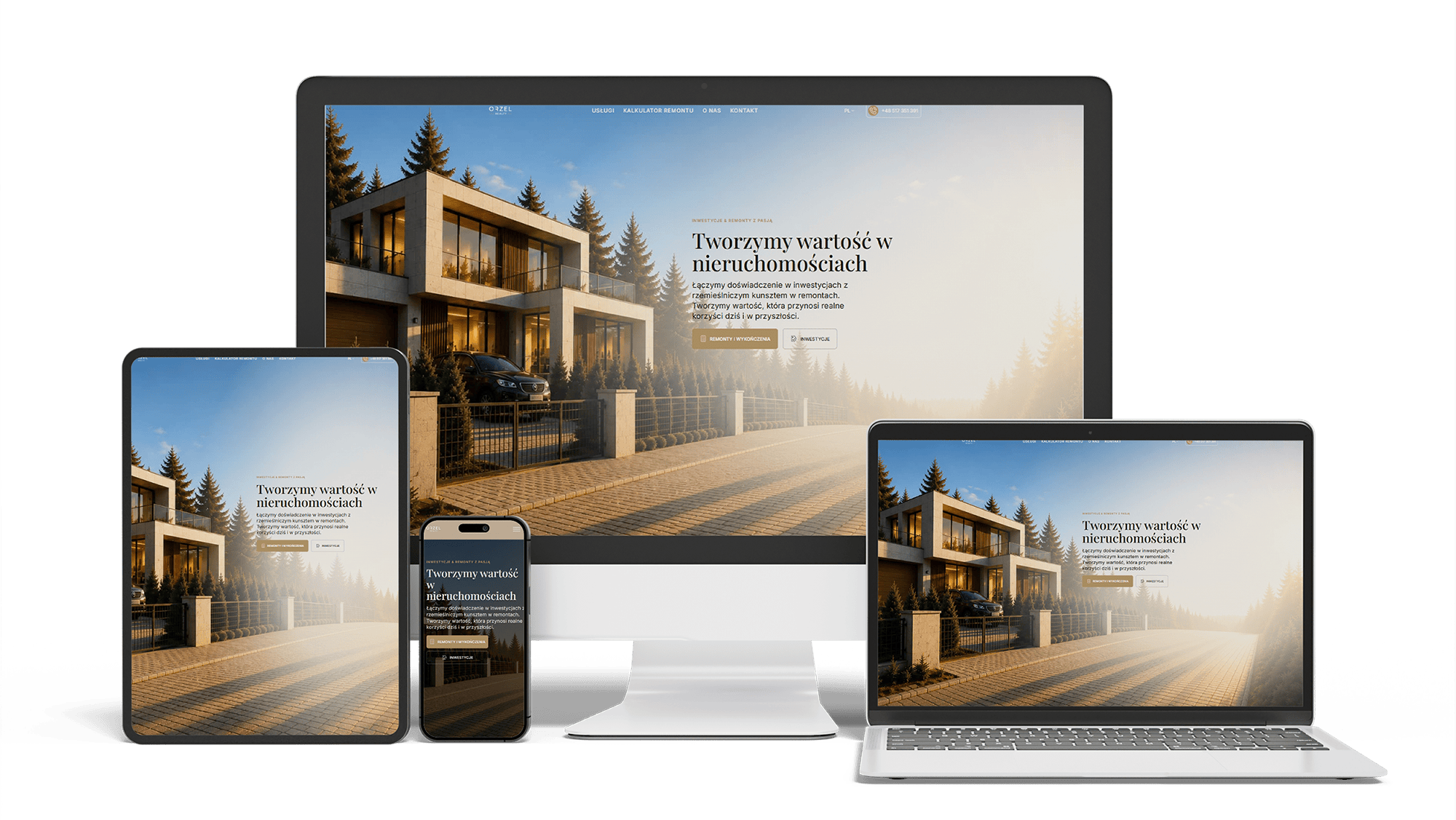
Renovation and investment website with a premium feel and 96/98/100/100 performance
96/98/100/100Design system2 languages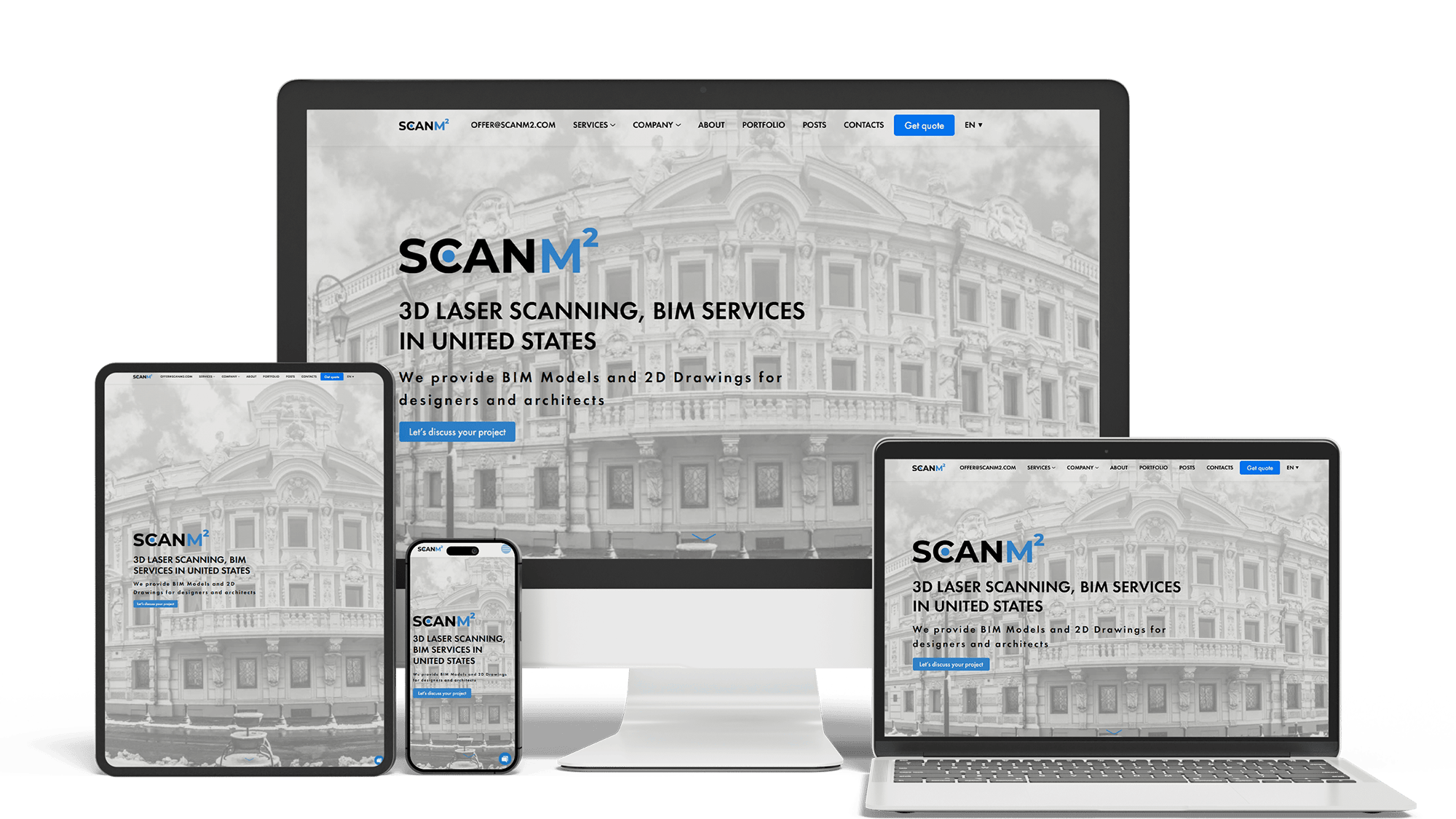
Architecture Website Rebuild and SEO
29× organic trafficLoads in under 1 sTop 3 in Poland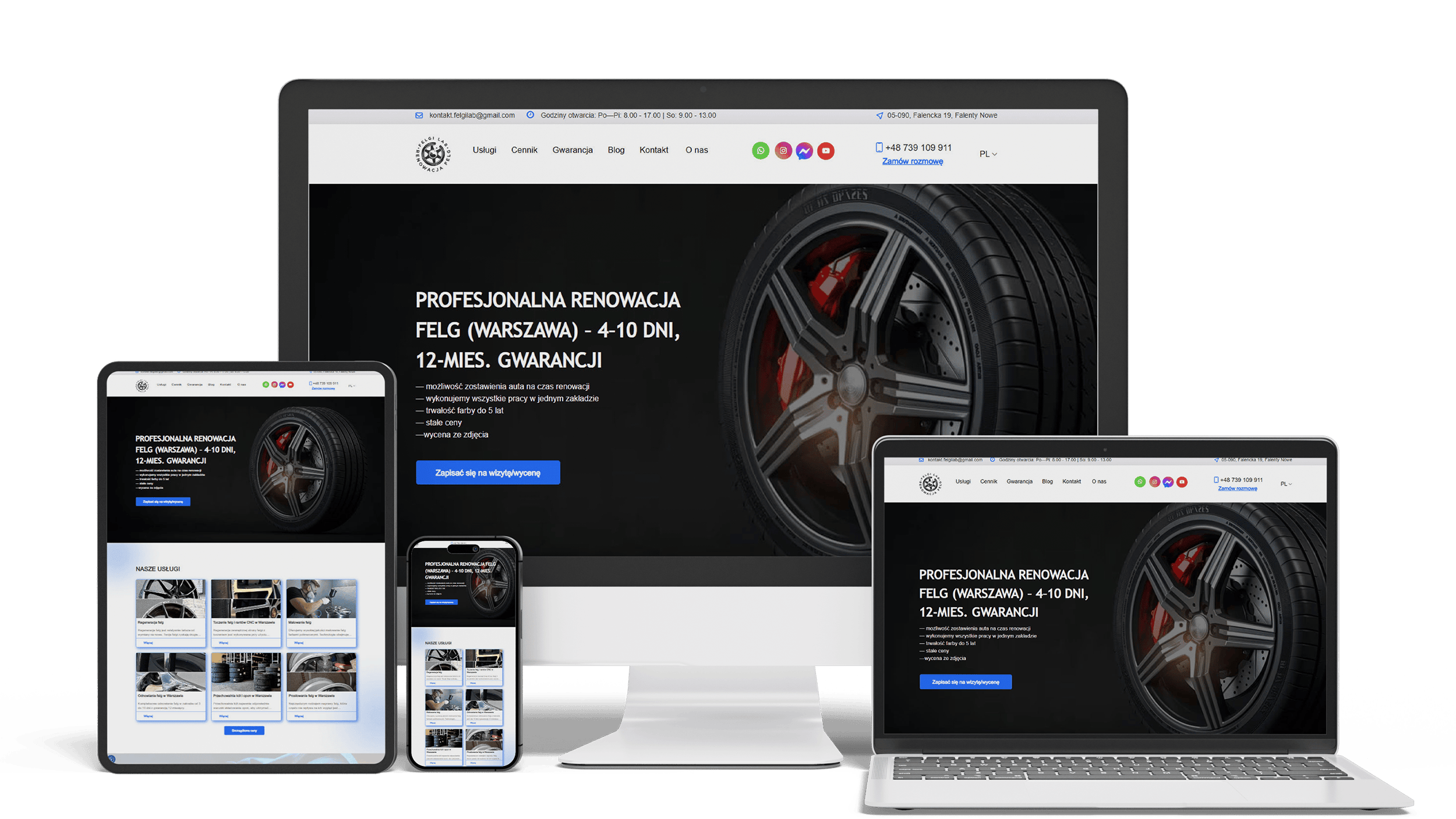
Auto Repair SEO & UX Boost
Performance 90++10% organic trafficLeads from forms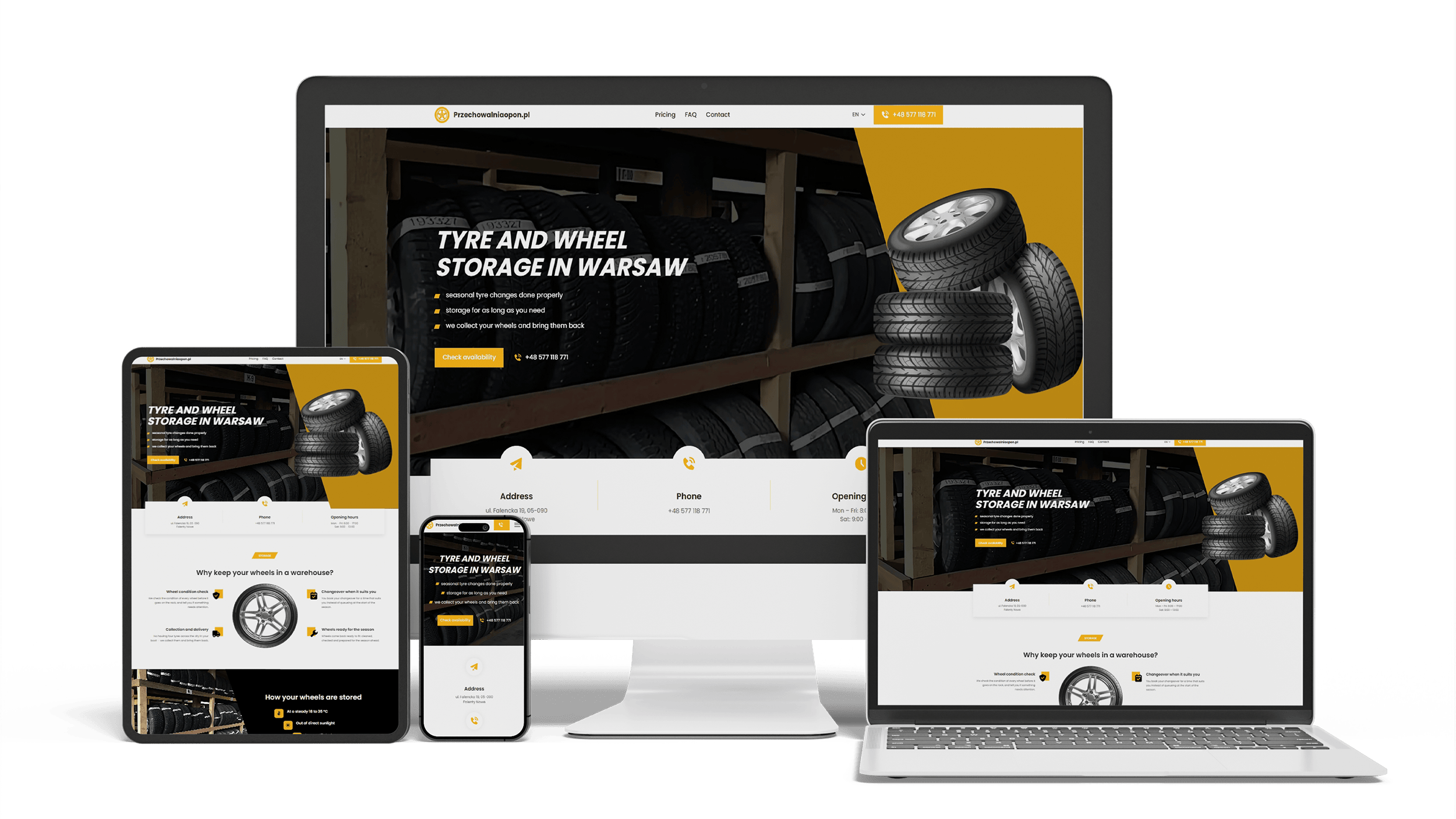
A multilingual landing page for a wheel and tyre storage business
100/95/100/1003 languagesClient edits it
Get a quote for your nonprofit website design
I reply within one business day with a plan for the home, donation, program and transparency pages and a fixed price.
Nonprofit website design is what I do for community organizations, foundations and charities, and I build the sites myself, so design and development come from one person at one price. A nonprofit site has more audiences than most: a donor deciding whether to give, a volunteer looking for a Saturday shift, a family looking for help, a program officer checking the organization before a grant, and a board member who just wants to fix a typo. The design gives each of them a short path and keeps the site easy for a small staff to run.
The first screen answers four questions before anyone scrolls:
- what the organization does and for whom, in one plain sentence — “Free after-school tutoring for kids in East Austin”, not “Empowering futures together”
- where it works — the city, county or region
- how to give — a Donate button that stays in the header on every page
- how else to take part — volunteer, come to an event, or get help
People who need your services often arrive on a phone and in a hurry. A “Get help” link next to Donate keeps them from scrolling past fundraising appeals to find a phone number.
The donation page is where design pays for itself. The visitor has already decided to give; every extra field, slow script or redirect is a reason to stop. The layout:
- A one-time and monthly switch at the top, with monthly shown first if recurring gifts matter most to you.
- Three or four suggested amounts, each with a line on what it pays for, written from your own figures.
- An “other amount” field, name, email and card or wallet payment on one screen.
- Optional extras below: a gift in honor or memory of someone, covering the processing fee, employer matching.
- A thank-you page that says what happens next and offers one more step: share, volunteer or sign up for updates.
Payments run through a processor such as Stripe or PayPal, or through a donation platform such as Givebutter, Donorbox or GoFundMe Pro (formerly Classy). A form kept on your own page, in your own design, usually loses fewer donors than a jump to another site with a different look. How far a platform’s form can be embedded and styled differs, so I check yours before quoting. The emailed receipt carries the details the IRS expects in a donor acknowledgment; confirm the current wording with your accountant.
Donors and grantmakers want to see what changes because of your work. Impact pages that persuade share a few habits:
- figures you can document — people served, meals, hours of tutoring — with the year, as text rather than inside a graphic
- one story per page with a real photo, used with the person’s consent, instead of a wall of stock smiles
- a page for each program: who it serves, where, how to join or refer someone and who funds it
- a donation option on each program page, if you accept gifts restricted to a program
A program on its own page also lets staff send one link to a partner or a family instead of writing the explanation again in every email.
Volunteers look for something concrete: a shift, a skill, a place. The volunteer page lists roles with the hours they take, age limits or background checks and where the work happens, then a short form or a link to the scheduling tool you already use. Each event gets its own page with the date, place, accessibility notes, a map and registration or tickets. Past events move to an archive on their own, so the site never invites people to last year’s gala.
Before a larger gift or a grant, people check that the organization is real and well run. A transparency or “Financials” page puts the proof in one place:
- the latest annual or impact report as a web page, with the PDF for printing
- links to your recent Form 990 filings and to your Candid (formerly GuideStar) profile, plus Charity Navigator if you are rated there
- the board and senior staff with names and roles
- your EIN and 501(c)(3) status in the footer, so a donor can confirm them
Staff replace these each year from the admin panel; a report from four years ago raises more questions than it answers.
Many nonprofits serve older people, people with disabilities and people reading in a second language, so accessibility is part of the mission. The design targets WCAG 2.1 AA: contrast that passes, text that resizes, every action reachable by keyboard, labeled form fields with clear error messages, captions on video and alt text on photos. The donation form is tested with a screen reader before launch, because an inaccessible step there costs both a gift and a supporter.
Most nonprofits keep donors in a CRM, and the website should feed it rather than start another list. In general terms:
- donations, volunteer forms and newsletter sign-ups passing their data to the CRM you use — Bloomerang, Neon CRM, Salesforce Nonprofit Cloud or another — directly or through the donation platform
- one email list, with consent recorded at sign-up
- events and volunteer shifts run in the tool your team already knows, linked from the site
What can be connected depends on each tool’s options and your plan. I check that before the quote and do not promise a connection the tool does not offer.
Much of the search for a website for a nonprofit is really a search for a free or cheap builder, and for some organizations that is the right answer.
When Wix, Squarespace or a free program is enough for a nonprofit
- you are a new or all-volunteer group with one program and a donation link
- someone on the board has time to build the site and keep it current
- donations run through a platform’s hosted page anyway
- free help fits your needs — Google for Nonprofits gives eligible organizations Google Workspace and other tools, and programs such as Free for Charity build basic sites; check their current terms
Wix or Squarespace? For a small nonprofit either works: Squarespace templates look tidy with little effort, Wix has a freer editor. Choose the one your volunteer finds easier to update.
When a custom nonprofit website pays off
- several programs, locations or languages that each need their own pages
- a donation page on your own domain, designed for your appeals and campaigns
- donor CRM and donation platform working together without copy-paste
- staff turnover — an admin panel where a new coordinator adds an event without breaking the layout
- control over speed, accessibility and search settings that a builder limits
Lists of the best nonprofit websites mix global charities with small local groups. Across budgets the same patterns repeat:
- a mission sentence and a Donate button on the first screen
- real photos of the people and places the organization works with
- impact told with a few documented figures and one story
- a separate path for people who need help
- one accent color kept for the donation button
Nonprofit website templates copy the look of these sites, rarely the structure: one generic “Our work” page, a Donate button that opens a bare payment link, no place for reports. When you browse nonprofit website design examples for ideas, look past the home page at the donation and program pages.
Donors and volunteers now ask ChatGPT, Perplexity or Google’s AI Overviews which organizations work on a cause in their city. Assistants can only mention what they can read. The design keeps the mission, programs, service area, EIN, walk-in hours and contacts as page text, adds structured data for the organization and keeps key facts out of images, sliders and PDFs.
Getting mentioned in those answers is ongoing work, described on the AI SEO and GEO optimization page. Being found in Google for your cause, programs and volunteering is covered on the nonprofit SEO page; registered charities in the UK will find their rules on the charity website design page.
A nonprofit website design agency splits the work between an account manager, a designer and developers. I do the structure, design and build myself, so you talk to the person who does the work.
- Brief. You send the mission, programs, current site, donation platform, CRM and two or three nonprofit sites you like.
- Structure. The home, donation, program and transparency pages are laid out for a phone and agreed.
- Design. Those pages are designed in full; the rest follow the same system.
- Build and hand-over. Staff and board members get an admin panel with roles, so they edit text, events, reports and photos while a volunteer cannot delete the donation page by accident.
A new design for an existing site keeps its addresses and search positions through the website redesign process.
Design is not sold separately: the price covers design and development, and nonprofits pay the same published prices as any client.
- A simple nonprofit website — home, about, programs, a donation page with your platform’s form, contact: 700–1,400 €.
- A site with a designed donation page, program and impact pages, volunteer and event sign-ups, a transparency page and a donor CRM connection: from 2,000 €.
A small budget goes furthest when you bring your own texts and photos and launch the simple version first. After launch there is no monthly fee to me; you pay only for hosting and your domain. All ranges are on the pricing page.
Nonprofit website design: frequently asked questions
Order nonprofit website design: what to send me
Send the organization’s current site (or just its name), the mission in a sentence, your programs, the donation platform and CRM you use and a few nonprofit sites you like or dislike. Photos of your people and programs, if you have them, help me show a first screen that looks like your organization. I will reply with a plan for the key pages and a fixed price. Use the form above or write on WhatsApp.