


Daycare and Preschool Website Design
Daycare website design and build for private childcare centers, preschools and nurseries: a page for each age group, tuition and current openings stated plainly, tour booking and a waitlist form, staff and licensing pages, and photos of rooms, materials and play yards chosen with parents’ consent in mind.
- Design + build, one price
- From 700 €
- Reply within one business day
What you get with daycare website design
- A page for each age groupInfants, toddlers, preschool and pre-K
- Tuition and openings kept currentPrices from, fees and places by age
- Tour booking and a waitlist formTime slots, start date, days per week
- Teacher and staff profilesCredentials, rooms and years with you
- License and policies in plain textPickup, sick days, meals and allergies
- Readable by Google and AI assistantsAges, hours, license and tuition as text
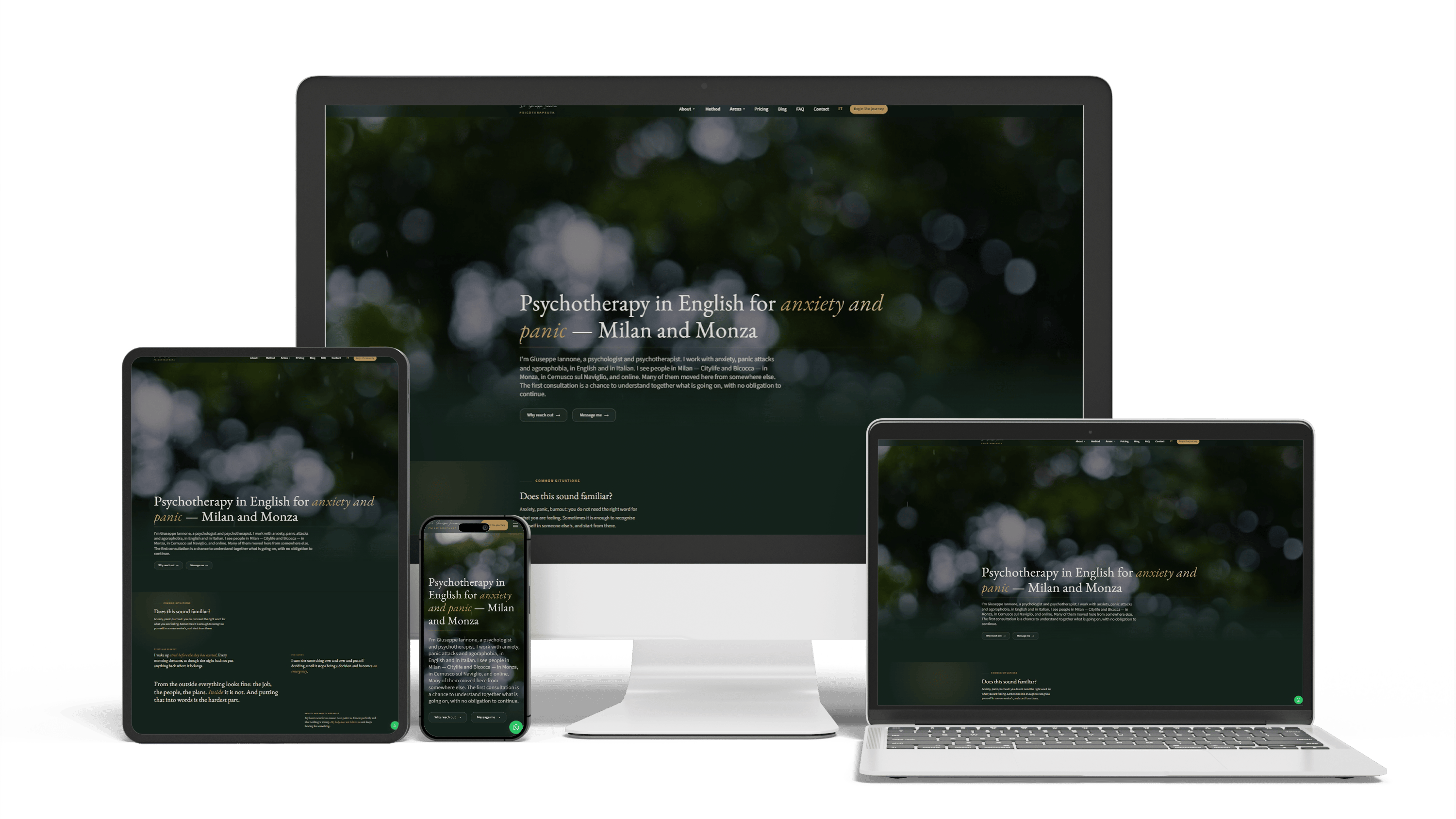
Bilingual psychotherapist website in Italy
468 of 468 posts moved2 languagesSeen in ChatGPT answers
Full Multilingual Website Development & SEO for Student Services
+5,930 clicks in 6 months359k impressionsTeam edits it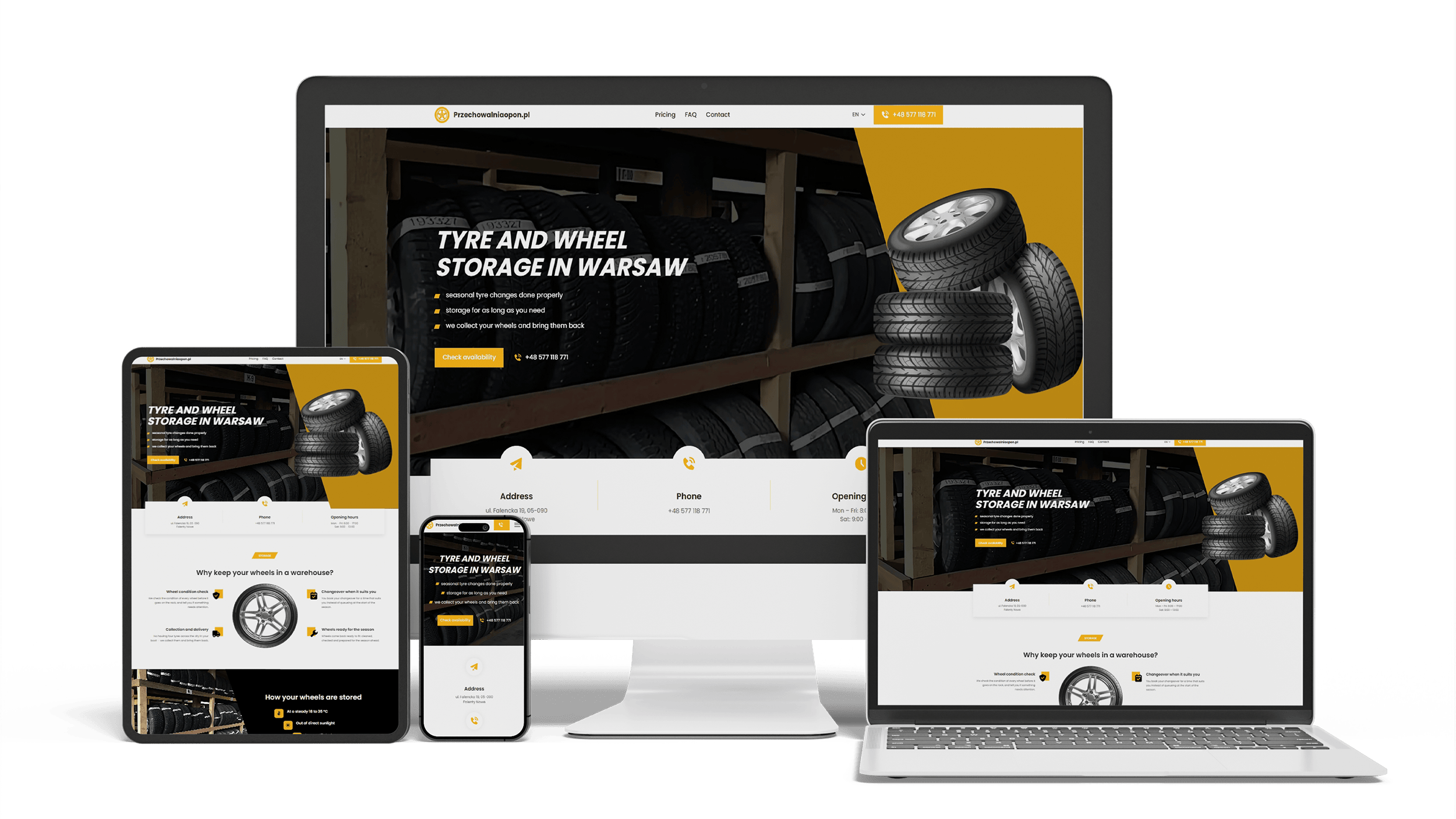
A multilingual landing page for a wheel and tyre storage business
100/95/100/1003 languagesClient edits it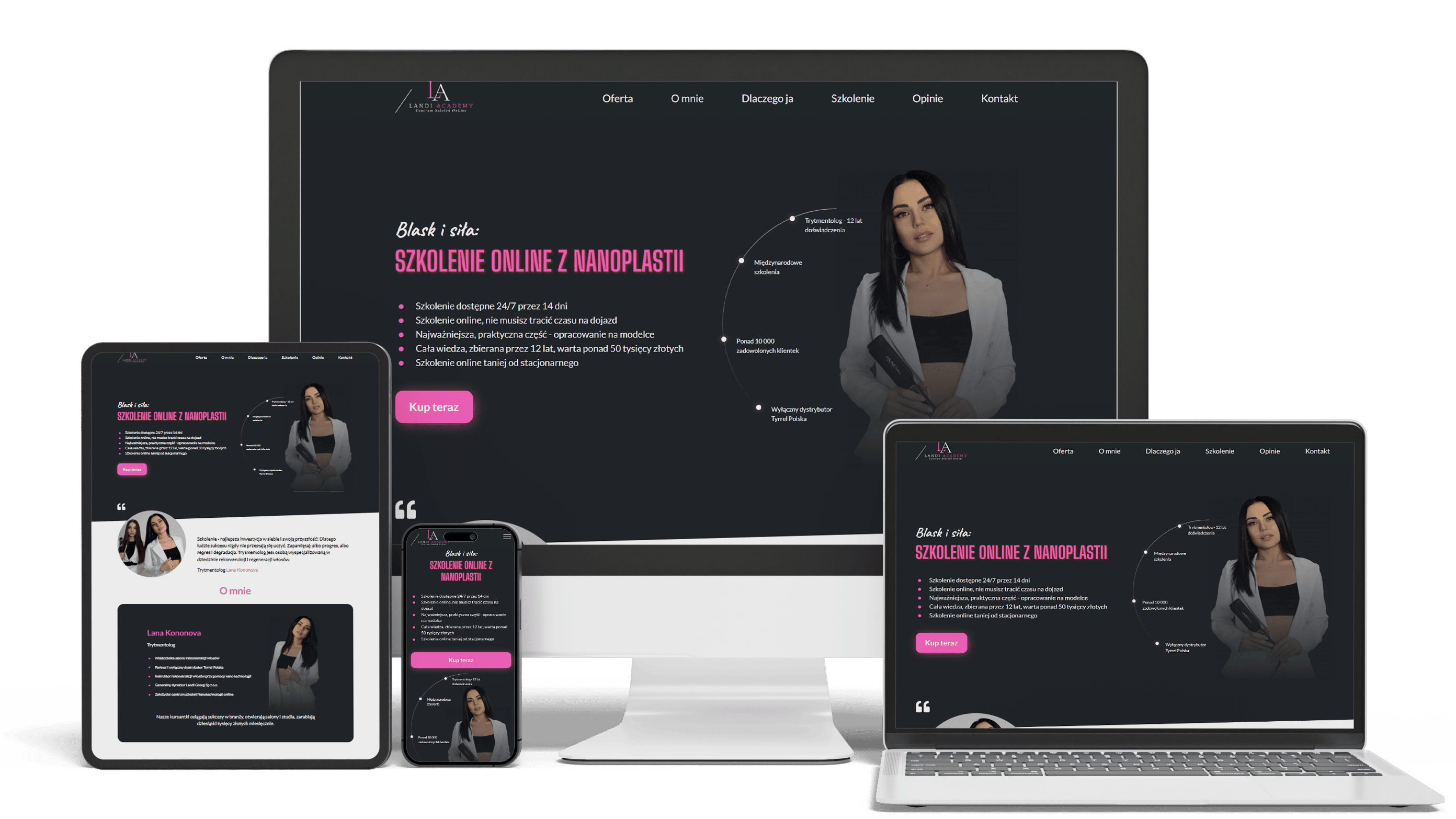
E-commerce landing page with secured video access
100+ course sales0 leaksLinks expire in 14 days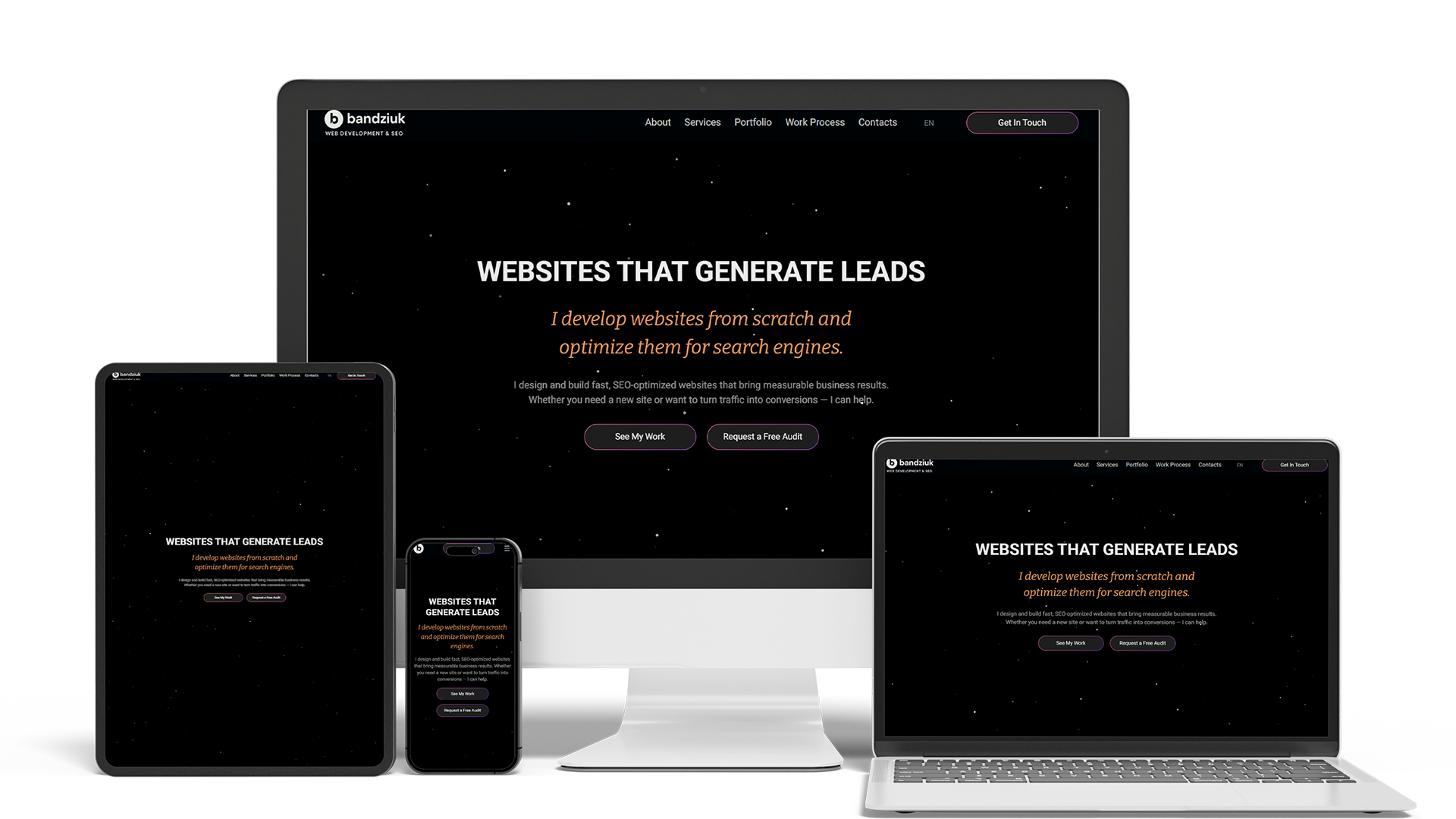
Develop and optimize a personal website with SEO
10× faster editingTraffic from ChatGPTMain lead channel
Get a quote for your daycare website
I reply within one business day with a proposed page list for your programs, tours and waitlist and a fixed price.
Daycare website design is the service I offer owners of private daycares, preschools, nurseries and early learning centers: I plan the pages, draw the design and build the site myself, so the person who sketches the tour form is the one who makes it work. Parents choosing childcare are matching a child’s age, a start date and a commute against the places that might have room, and they leave a site the moment it makes them hunt for an answer.
Ask a center director what parents want to know on the first call, and the list is short. The home page answers it before anyone picks up the phone:
- the ages you take, in one line such as “Infant care, toddlers and pre-K in [neighborhood]”
- your opening and closing hours, and whether you follow the school calendar or stay open all year
- the address with drop-off notes: parking, the entrance families use, the nearest bus stop or main road
- tuition from a weekly or monthly amount, and whether a place is free right now
Two buttons follow these facts: book a tour and join the waitlist. Your philosophy, history and curriculum sit further down, for parents who are already interested.
Each age group gets its own page built from the same parts, so the parent of a toddler reads about toddlers instead of a general “Programs” overview. The page covers the age range, the group size and staff-to-child ratio you keep, a typical day from drop-off to pickup, what children learn and how you report progress, and what to pack on the first morning. Ratios and group sizes are numbers parents compare between centers, so the page shows the figures you can stand behind and changes when they do.
Programs built on a named approach — Montessori, Reggio Emilia, play-based or faith-based — explain it in plain words with an example from your own classroom rather than a quote from a textbook. Bilingual and immersion programs get the same treatment, and the site itself can run in both languages; how that is built is on the multilingual website development page, and schools that teach languages to older children and adults have their own page on language school website design.
Many centers keep tuition off the site and give it on the phone. The result is predictable: the director spends afternoons on calls that end at the price. A short table does that work instead — weekly or monthly tuition from a stated amount for each program, full-time and part-time, the registration fee, what tuition covers (meals, diapers, field trips, whatever is true for you) and whether you accept state child care assistance. The table names the school year it applies to, so last year’s rates never mislead a family.
Openings change every month, so they live in one small block that the director edits in the CMS: for each age group, “full, waitlist open”, “two places from March” or “enrolling now”. Shown on the home page and on each program page, that one line saves more calls than anything else on the site.
A visit is where most enrollments start, and centers run it in one of two ways. Some hold group tours at fixed times; then the form lists the next dates and closes each one when it is full. Others show families around one at a time; then a parent picks a few slots that suit them and the director confirms one. The confirmation repeats the address, the door to use and how long the visit takes.
The waitlist form asks only what you need to hold a place in line: the parent’s name and contacts, the child’s birth month or due date, the wanted start date, the program and the days per week. Medical details, allergies and custody papers belong to the enrollment packet, which comes later and lives in your childcare software, not on a public website. If you charge a waitlist or registration fee, parents can pay it by card on the spot through Stripe Checkout — the same flow I built for Landi Room, where payment and confirmation happen in one step.
After tuition, the staff page is often the next one parents open. Each lead teacher gets a portrait, the room they teach, their early childhood education or credential, years in the field and a sentence or two in their own voice. Below the team, a short paragraph states what every new hire goes through — background checks, CPR and first aid training, ongoing professional development — in general terms that match your state rules and your handbook, and never more than you actually do.
Turnover is a real question in childcare, so if your teachers have stayed for years, the page can say how long each one has been with you. Profiles are edited in the CMS by your staff.
Your license is stated as text rather than as a badge image: the license type, its number, the agency that issued it and, if your state runs a quality rating system, your current rating. A single policies page then answers what parents worry about without turning the site into a handbook:
- how drop-off and pickup work, and who may collect a child
- how the building is secured and how visitors are let in, described in general terms
- the sick-child policy and when a child should stay home
- meals and snacks: this month’s menu, who prepares it, and how you handle food allergies and special diets
- the full parent handbook as a PDF for families who want every detail
Requirements differ from state to state, so you confirm the wording against your licensing rules; the site gives each item a fixed place, which makes it easy to keep current.
Parents scroll past stock photos of smiling toddlers, and photos of your own children are the most sensitive content a childcare business publishes. The approach I follow:
- a photo release in the enrollment packet, and a simple list of which children may appear online
- rooms, materials, art on the walls, the play yard and the kitchen as the main subjects
- children shown from behind, at a distance or as hands at work, when a child appears at all
- no names next to faces and no captions that tie a child to a room or a schedule
- location data removed from every image file before upload
Everyday photos for parents belong in your childcare app, where only the families of that room can see them.
Most centers already use childcare software — brightwheel, Procare, Playground or similar — for check-in, daily reports, messages and billing. The website does not copy any of it. A parent login link sits in the header, a short page shows new families how to install the app, and child records stay in the system built to protect them. Beyond a waitlist entry, the public site keeps nothing about children.
Parents search close to home: “daycare near me”, “preschool in [neighborhood]”, “infant care [town]”. The build prepares for those searches with a location page for each center carrying its own address, hours and openings, a business name and address written exactly as on your Google Business Profile, and pages that open fast on a phone. A review from a parent carries more weight than anything you write about yourself, so the site links to your profile and asking for a review takes families two taps.
The ongoing work on the map listing and local rankings is described on the local SEO services page.
Parents now ask assistants things like “which preschools near [neighborhood] have a place for a two-year-old” or “a bilingual daycare with extended hours in [town]”. ChatGPT and Google’s AI Overviews answer from what they can read on your pages. So ages, programs, hours, tuition from, license details, languages spoken and the address are written as plain text, kept identical to your Google profile, and marked up with schema.org ChildCare or Preschool data. Giuseppe’s practice site in Milan follows the same rules: he found me through ChatGPT, and his new pages already appear in its answers.
Staying in those answers takes continuing work, described on the AI SEO and GEO optimization page.
More people search for daycare website templates than for daycare website design, and for a new home daycare a template, or the builder your childcare software includes, is a sensible start. Lists of the best daycare websites and preschool website examples help too: look past the colors at what the good ones share — ages and hours at the top, real rooms, tuition stated, a tour form that works on a phone.
A template starts to cost more than it saves once you run programs with different schedules, keep a waitlist per age group, need a second language or want the parent login, the payment and the tour form to feel like one site. A custom design is built around those routines on WordPress or Next.js, with an editor your director can use, and the domain and content stay in your name. Rainbow letters and cartoon fonts look cheerful and read badly on a phone; the people deciding are adults weighing money and safety, so the design keeps one or two brand colors, clear type and room for photos of your spaces.
For a home daycare that needs only a few pages, the small business website page describes that lighter build.
Design is part of the build price, not a separate invoice.
- A simple daycare or preschool website — home, programs, tuition and openings, staff, contact and a tour form: 700–1,400 €.
- A full site with a page per program and per location, a waitlist form with online fee payment, policies, a parent-app link, two languages and local SEO setup: from 2,000 €.
Hosting and the domain are paid to their providers, on your account. Every price I charge is on the pricing page, and the steps of a build are on the website development page.
Daycare website design: frequently asked questions
Order daycare website design: what to send me
Send the name of your center or your current site, the ages and programs you run, your hours, tuition and fees, how tours and the waitlist work today, the childcare software you use and a few phone photos of a classroom and the play yard. My reply is a page list for your center and a fixed price. Use the form above or write on WhatsApp.