


Roofing Website Design
I design roofing websites and build them myself: drone and before-and-after roof photos, license, insurance and warranties next to every button, a storm-season banner and two clear paths — an urgent leak or a planned replacement.
- Design + build, one price
- From 700 €
- Reply within one business day
What you get with roofing website design
- Two paths: a leak today or a roof next seasonA call for the urgent, an estimate for the planner
- Drone and before-and-after roof photosFinished roofs shown from above, with town and material
- License, insurance, certifications, warrantiesNext to every button, written as text
- A button bar that stays on the phone screenCall and book an inspection from any page
- A storm banner and financing in the layoutDesigned in advance, switched on by your office
- Readable by Google and AI assistantsCertifications and warranties as text, not images
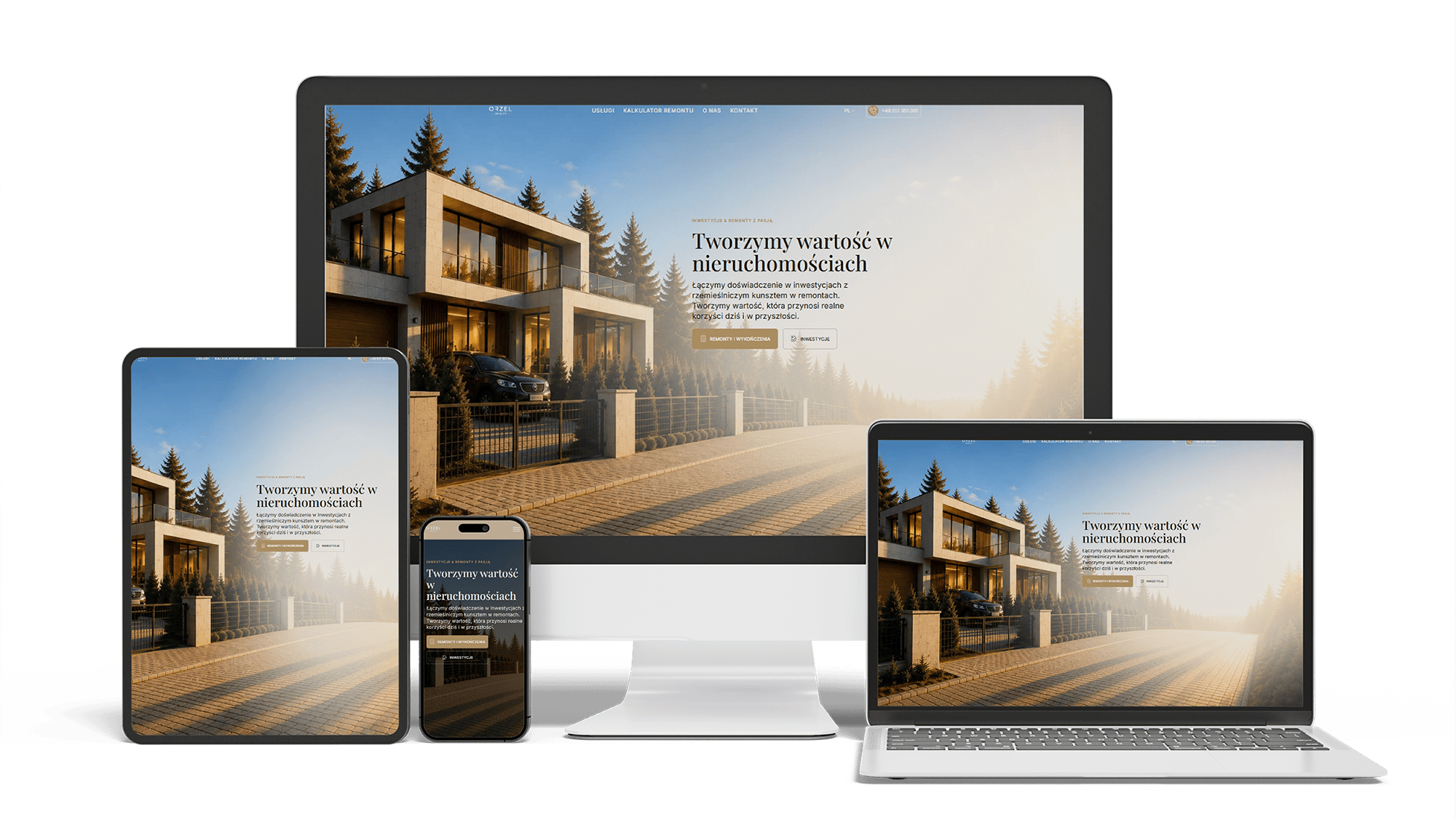
Renovation and investment website with a premium feel and 96/98/100/100 performance
96/98/100/100Design system2 languages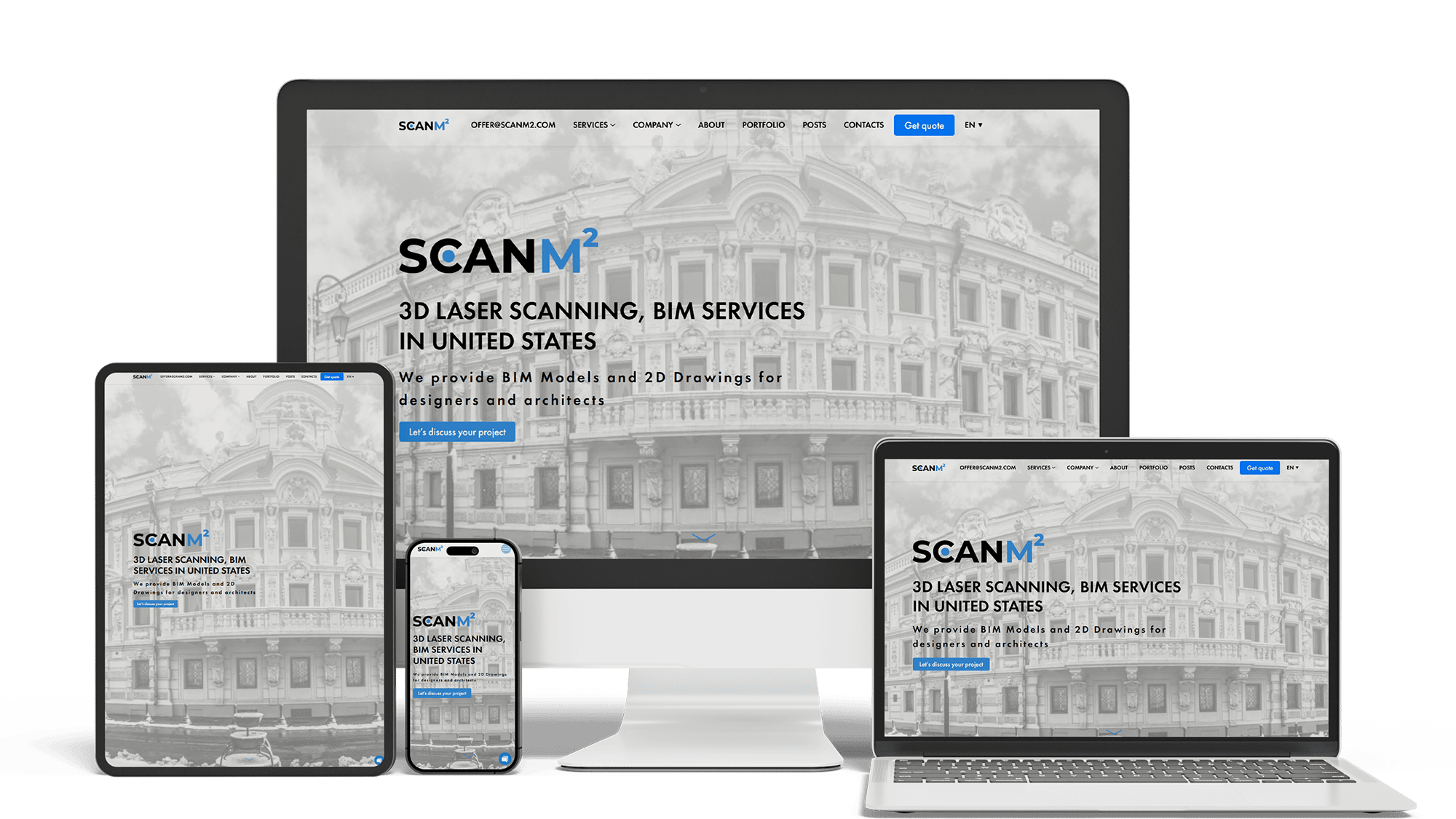
Architecture Website Rebuild and SEO
29× organic trafficLoads in under 1 sTop 3 in Poland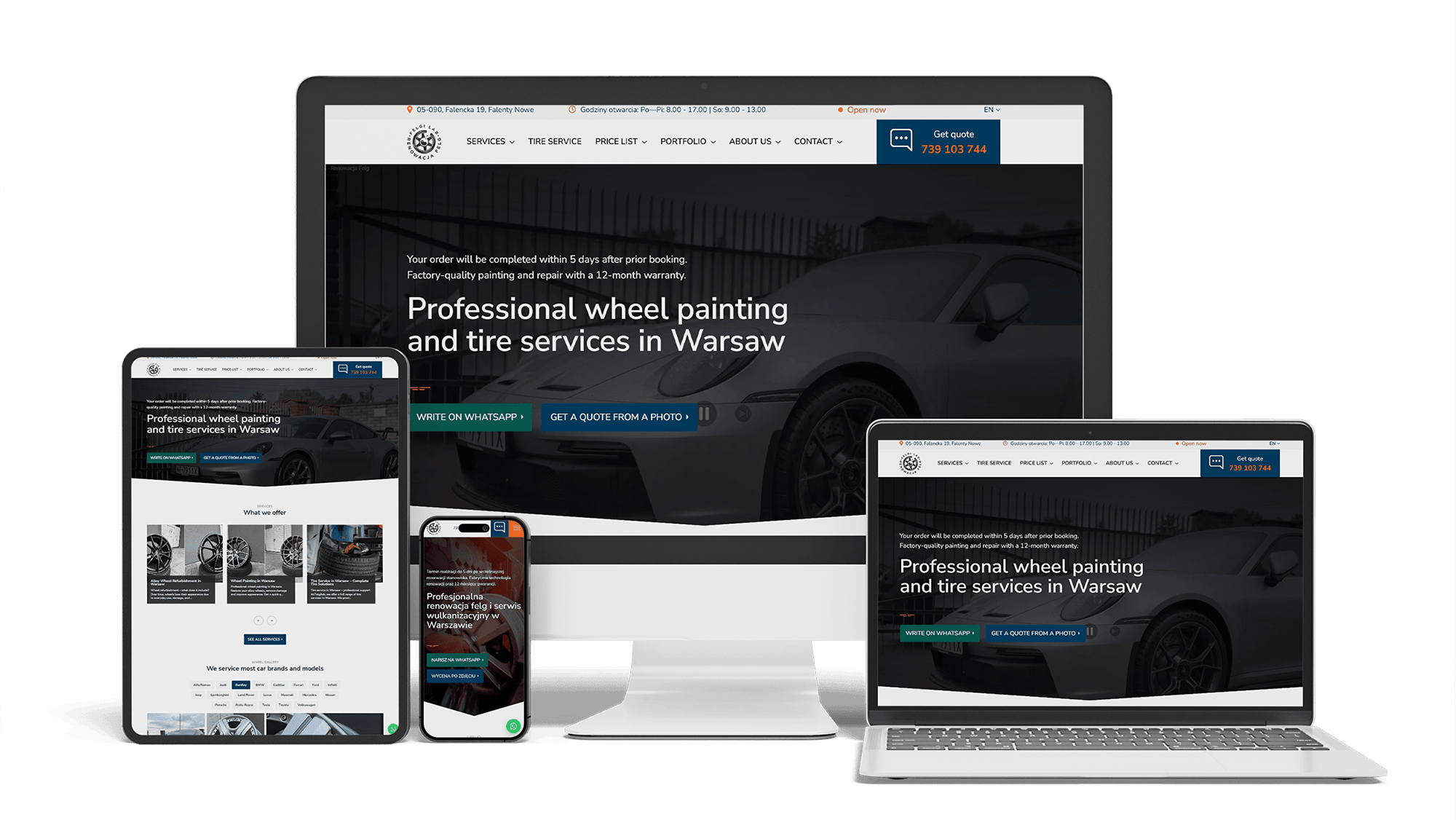
Full WordPress Rebuild for a Car Rim Restoration Company
92/91/96/100Photo quote formLocalBusiness markup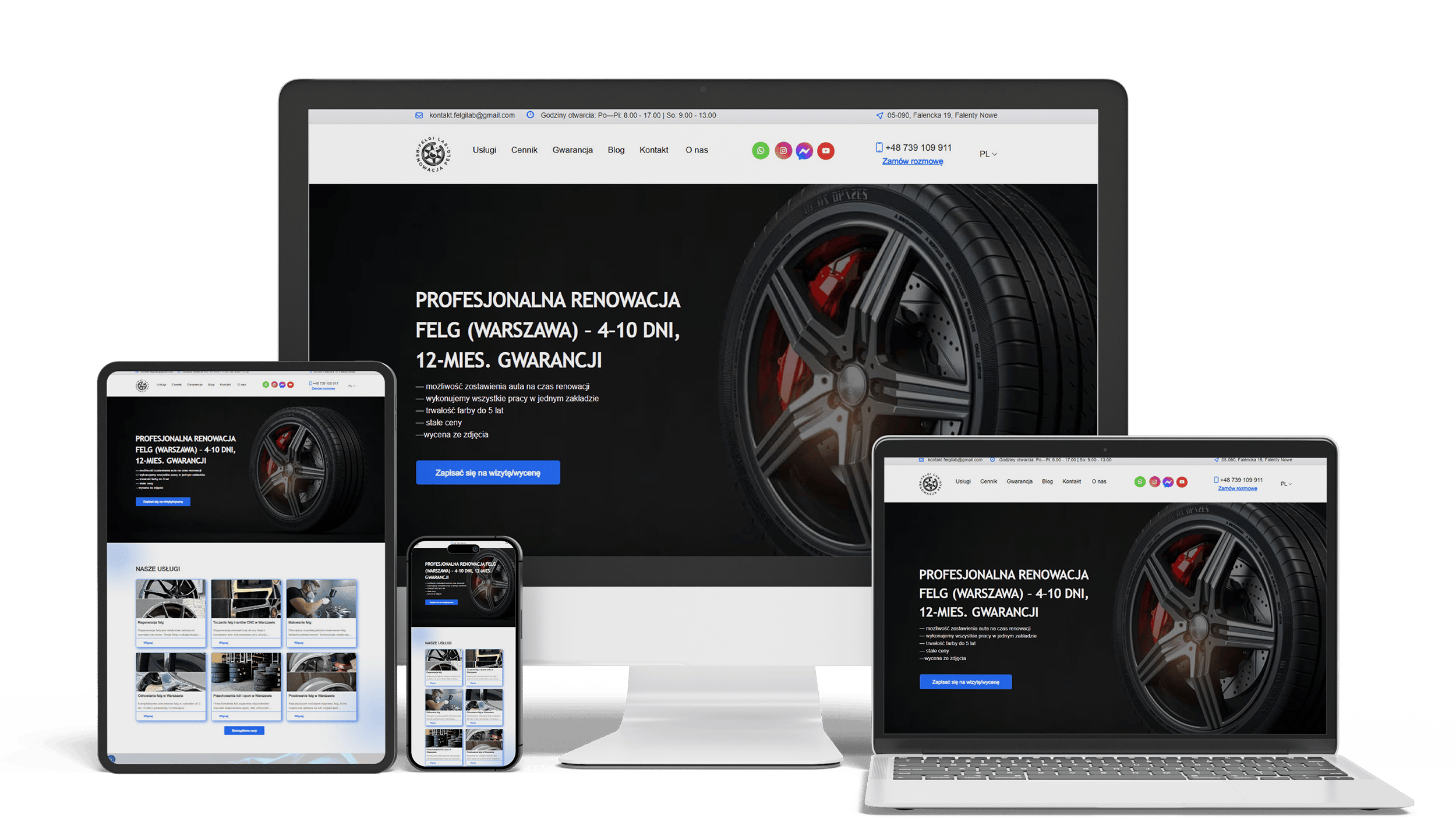
Auto Repair SEO & UX Boost
Performance 90++10% organic trafficLeads from forms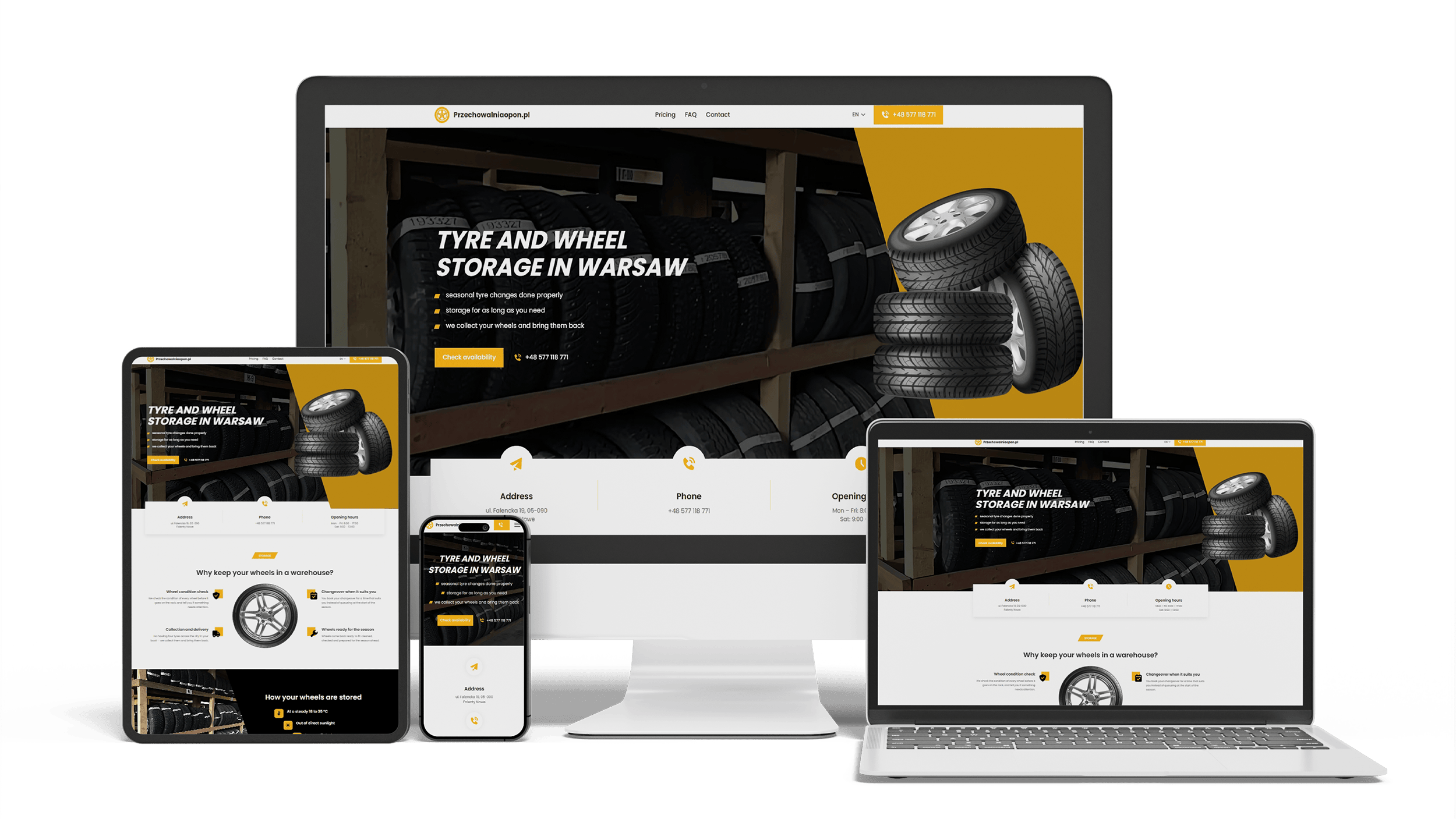
A multilingual landing page for a wheel and tyre storage business
100/95/100/1003 languagesClient edits it
Get a quote for your roofing website design
I reply within one business day with a proposed first screen, a storm damage page and a replacement page layout, and a fixed price.
I design roofing websites and build them myself, so design and build come from one person at one price. Roofing website design decides what a homeowner sees and does on your site — usually on a phone, sometimes standing in the yard looking at shingles the wind tore off, sometimes weeks into planning a new roof. Every screen is laid out to end in one of two actions: a call about a roof that leaks now, or a request for an inspection and estimate.
The urgent visitor has a stain spreading on the ceiling or debris in the yard after last night’s storm. They want to know whether you can come and how soon. The planning visitor has a roof near the end of its life and will compare three or four roofers on finished roofs, materials, warranties and monthly payments before inviting one to measure. They read the same site in very different ways, and the design gives each a path of its own:
- the urgent path is short: a call button, emergency tarping if you offer it, one line on how soon a crew can come
- the planned path is longer: materials and colors, finished roofs, warranty, financing, then an estimate request
- the two buttons look different, so the urgent visitor never lands in a multi-step form and the planner is not pushed to phone before they are ready
The first screen of a roofing site carries four things and nothing else:
- what you do and where: “Roof replacement and repair in [your area]”, not a slogan about quality
- two buttons: call, and book a roof inspection — marked free only if it is
- one line of proof: licensed and insured, years in business, review score
- one photo of a roof you finished, taken from above
Sliders, video backgrounds and welcome paragraphs move down the page or go. They push the buttons out of view, and a homeowner looking at a damaged roof does not scroll to find them.
Homeowners rarely see their own roof from above, and a roof is hard to judge from the street. Aerial and drone photos show the finished job the way a ground shot cannot: straight courses, clean valleys, neat ridge caps, flashing around the chimney. A before-and-after pair from the same angle — the worn, patched roof and the new one — does more than any paragraph about workmanship. On each project:
- before and after from the same position, as a slider or side by side
- the roof system, color and product line under the photos
- the town or neighborhood, so visitors see roofs near their own
- one or two close-ups of details — drip edge, vents, flashing — for the visitor comparing roofers
Commercial drone flights are regulated in most countries — in the US they need a pilot with an FAA Part 107 certificate — so drone shots come from a certified pilot on your team or a hired one. Phone photos from a ladder still work for details. Stock roofs are recognized at once and say nothing about your crew.
Every big storm brings storm chasers who knock on doors, take deposits and are gone before the first leak. Homeowners know it, and they look for signs that you will still answer the phone when the warranty matters. The design puts those signs next to every button, not in the footer:
- license number and insurance, written out so they can be checked
- manufacturer certifications — only programs you belong to, shown the way the manufacturer’s rules allow
- warranties in plain words: what the manufacturer covers, what your workmanship warranty covers, and for how long
- a local address and the year the company started
- a review score and recent reviews that name the roof, the town or the storm
A full replacement costs more than many homeowners keep in savings, so the planner looks for a monthly payment as much as for the total. Financing is shown where the decision is made, not on a page few people find:
- a short line under the estimate button on replacement and material pages: “Financing available”, linked to the details
- an example payment only if your lending partner gives you one you may publish
- the lender’s name, so the visitor knows who they would be borrowing from
Financing stays off the urgent path: someone with water coming through the ceiling needs a crew, not a loan offer.
Searches for the best roofing website design lead to Dribbble shots and Pinterest boards: big aerial heroes, dark backgrounds, heavy type. They are useful for color, type and photo style. They are made to be admired as pictures, though, and rarely show the screens that decide whether a homeowner calls: a phone layout with the button bar, a replacement page with real text, an inspection form, a storm banner. When you send examples you like, I take the look from them and keep the layout that works for a roofing company.
Free roofing website templates and paid themes look finished in their demo: drone shots, invented reviews, a storm banner. With a real company’s content the gaps show — no separate urgent and planned paths, one page for every service, a contact form instead of an inspection request, no place for certifications or financing beside the buttons.
The choice depends on what the site has to carry. A roofer doing repairs in one town by referral can run on a well-chosen template with real photos for years. A company that depends on storm seasons, sells financed replacements and wants certifications next to every button ends up overriding the template piece by piece, and that usually costs more than a design made for the company from the start.
A roofing website design agency brings a team and often sells the site together with ads, lead generation and monthly marketing, sometimes to several roofers in one market. A single designer who also builds the site — that is how I work — means the person who drew the layout makes it work on a phone, at one price, without a retainer. Whoever you choose, ask:
- Will we see phone layouts of the key pages before anything is built?
- Are you designing for another roofer in our area?
- Can our office change the storm banner, projects and financing text without paying for each edit?
- Do we get the design files and the finished site when the project ends?
Homeowners increasingly ask ChatGPT, Perplexity or Google’s AI Overviews which roofers nearby are certified, or how a metal roof compares with shingles. Assistants read text, not pictures. A design that puts certifications in badge images, warranty terms in a graphic and service areas on a map image hides the very facts an assistant needs. The same facts set as real text beside the badges, with structured data behind the page, can be read and repeated.
Getting into those answers is ongoing work, described on the AI SEO and GEO optimization page. Being found in Google search and on the map is covered on the roofing SEO page.
- Brief. You send your roof jobs and systems, towns, license, insurance and certifications, warranty terms, financing partner, reviews and photos of finished roofs.
- Phone layouts. I design the first screen, a storm damage page and a replacement page on a phone screen and agree them with you.
- Full design. The other pages, the storm banner and the desktop versions follow the same system.
- Build. The approved design is built into a fast site your office can edit.
Design is part of building the site, and the price covers both: a simple roofing website costs 700–1,400 €; a site with storm, replacement and roof system pages, project galleries, financing, a storm banner and local search optimization costs from 2,000 €.
If you already have a website and want a new look without losing Google positions, the website redesign process keeps addresses and redirects in place. Companies that also do siding, windows or remodeling will find more on the contractor website design page. Full price ranges are on the pricing page.
Roofing website design: frequently asked questions
Order roofing website design: what to send me
Send the company name, a link to your current website or Google profile, the roof jobs you want more of and the towns you cover. A few aerial or before-and-after photos of finished roofs, your certifications and warranty terms help me show you a first screen that looks like your company. I will reply with a proposed layout and a fixed price. Use the form above or write on WhatsApp.