



Quick answer: for most business websites WordPress is enough — provided it's built on a custom theme rather than a page builder carrying twenty plugins. A modern framework such as Next.js is justified when speed is critical, when you need non-standard integrations, complex multilingual structure, or a site meant to grow for years. But the main question isn't the platform. It's how the platform is built and what ownership costs over three years.
The question is usually framed as a choice between two things: WordPress or a custom build. That framing misses the point, because one WordPress site is not like another. A site assembled on a page builder with thirty plugins and a site built on a custom theme written for the job are two different products — differing from each other more than the second differs from a framework.
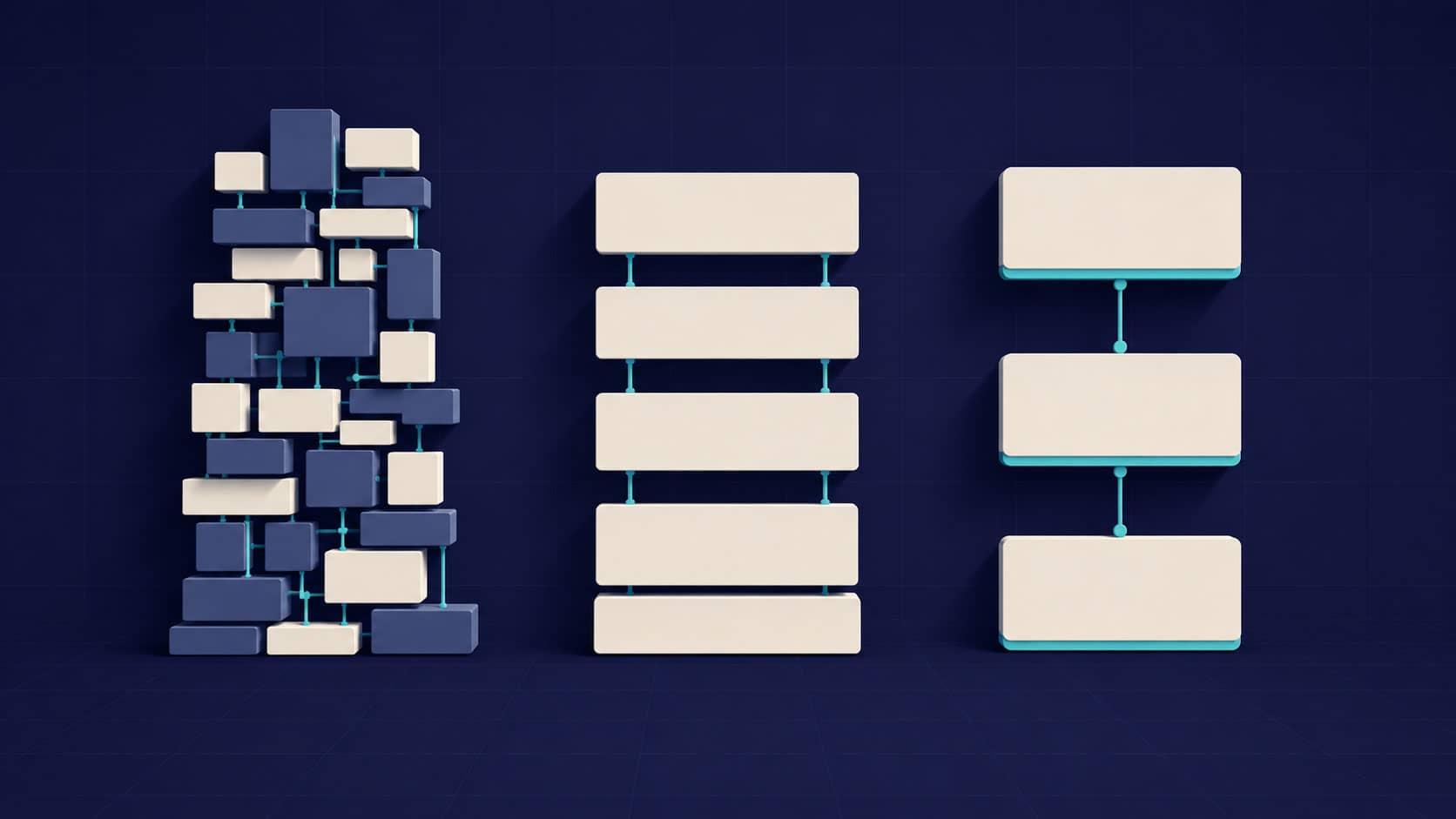
So it's more honest to compare three options rather than two. Here's how they differ and what each actually costs.
Three options rather than two: how the platforms really differ
WordPress on a page builder. A ready-made theme plus Elementor or similar, plus a plugin for every function. Fast, cheap to start, usable without a developer. The price is page weight: the builder loads code for every eventuality, and speed drops regardless of hosting quality.
WordPress on a custom theme. The same WordPress, but with a theme written for the job — no builder, no plugin pile-up. Only what's needed gets loaded. From the owner's side everything is familiar: the same admin panel, the same text and images, edited the same way.
A modern framework with a separate content system. The site is built for the job on Next.js or similar, with content managed in a separate system. Maximum speed and control, minimal maintenance, a higher budget threshold.
The key conclusion: the gap between the first and second options is wider than the gap between the second and third. Most complaints about WordPress are complaints about the first option, not about the platform.
When WordPress is enough for a business website
Content changes often and in-house. A vast ecosystem, a familiar panel, any staff member can manage it. That's a genuine advantage, not a compromise.
You need standard functionality. A blog, forms, a catalogue, a simple store, integrations with popular services — all already written and proven.
Ease of handover matters. There are a great many developers who work with WordPress. If you part ways with a contractor, replacing them is easier than with any other solution.
The budget is limited and the task is standard. A five-to-fifteen page company site with a blog, on a custom theme, is a sensible choice with nothing to overpay for.
The caveat that decides everything: this applies to WordPress on a custom theme. The same site assembled on a builder inherits every problem the platform gets criticised for.
Where WordPress hits its ceiling: speed, security and maintenance
Speed. Every plugin adds its own scripts and styles, often on all pages including those where the function isn't used. Twenty plugins means twenty sets of code on every load. Hence the drop in Core Web Vitals, which neither hosting nor caching fully cures.
Maintenance as a standing cost. The core and plugins need regular updates: an un-updated site becomes vulnerable, and a failed update breaks the layout. Add backups and monitoring. This isn't a one-off cost but a monthly load — paid either in money or in someone's time.
Security. Its popularity makes WordPress the primary target of automated attacks. The issue isn't the platform itself but that a vulnerable plugin gets found faster than you learn it exists.
Paid plugins. Functions that look free often turn out to be subscriptions, and across three years they add up to a figure nobody considered at launch.
When a modern framework like Next.js is the better choice
Speed is critical. If the site lives on search and conversion, the Core Web Vitals difference pays for itself. On a framework only what's needed loads, and the result is stable rather than clawed back through optimisation.
You need non-standard integrations. Connections to internal systems, unusual calculations, client portals — where WordPress needs workarounds, a framework needs code.
Complex multilingual structure. Several markets with different page structures, rather than translated copies of one site.
The site is meant to grow for years. The longer the horizon, the clearer the difference in cost of ownership: no plugins to police, no licences, maintenance reduced to hosting.
Minimal upkeep matters. If nobody will watch for updates, that's a serious argument.
Against: a higher budget threshold, and no reason to solve a simple task with a solution like this.
Platforms compared across key criteria
- Build cost — Lowest — Middle — Higher
- Loading speed — Low — High — Maximum
- Updating content — Simple — Simple — Simple, panel configured separately
- Ongoing maintenance — Required — Required — Minimal
- Plugins and licences — Many, often paid — Minimal — None
- Risk on updates — High — Moderate — Low
- Who can take it over — Almost anyone — Almost anyone — A developer on that stack
- Non-standard features — Via workarounds — Limited — No limits
What owning a website costs over three years
Comparing build prices is the same mistake as comparing car prices without fuel and servicing.
Build: a simple landing page — €700-1,400; a conversion landing page with full optimisation — from €2,000; a multi-page site — from €2,000.
Then comes what usually doesn't reach the quote. With WordPress that's regular technical maintenance, subscriptions to paid plugins, fixing the aftermath of failed updates and, with bad luck, recovering from a compromise. With a framework, maintenance usually reduces to hosting, but changes to functionality need a developer — you can't rewire the logic yourself.
The practical conclusion: over a one-year horizon WordPress is cheaper; over three to five years the gap narrows; and with high traffic and demanding speed requirements it can reverse.
What practice on both solutions shows
I work with both, so the comparison isn't theoretical.
I moved a Warsaw wheel restoration workshop off an ageing platform onto a custom WordPress theme — no builder, no heavy plugins. Mobile performance went from around 50 to 92, the site runs in four languages, and the staff change prices and add services themselves. It's an example of WordPress built properly having nothing to do with what the platform gets criticised for.
My own site I built on Next.js with a separate content management system, in three locales. The task there was different: speed, precise work with markup, and a structure designed for search engines and AI assistants.
The conclusion from both: the platform is chosen for the task, and a badly built site on a modern framework loses to a well-built one on WordPress.
How to choose a platform for your website: four questions
Who will change the content, and how often? Daily and in-house — WordPress. Once a quarter — the platform doesn't matter much.
Does the site earn from search? If so, speed and the technical base outweigh editing convenience, and a framework is justified.
Are there non-standard features and integrations? Calculations, client portals, connections to internal systems tip the balance towards a framework.
Who will look after the site? If nobody will, having no mandatory updates is a serious argument.
And the question that outweighs all four: who is going to build it. Good work on WordPress beats poor work on any framework, and the reverse.
How I choose the platform for a project
I work with both and choose by the task rather than by habit. WordPress — on a custom theme, without builders or unnecessary plugins, so you get both the convenience of the panel and the speed. Next.js with a separate content system — where maximum performance, complex structure or unusual logic is needed.
I combine development and SEO, so the platform decision accounts for how the site will be found, not only how it will look. And if the task can be solved more simply and cheaply, I say so.
Where to start choosing a platform for a business website
Reduced to one principle: choose not a platform but a combination of the task, the horizon, and who will run the site afterwards.
A practical step: answer the four questions above in writing and add a fifth — what should exist on the site in two years. That answer often decides it, because building the structure in now is cheaper than rebuilding later.
If you'd like to work out what suits your project, write to me and we'll go through it.