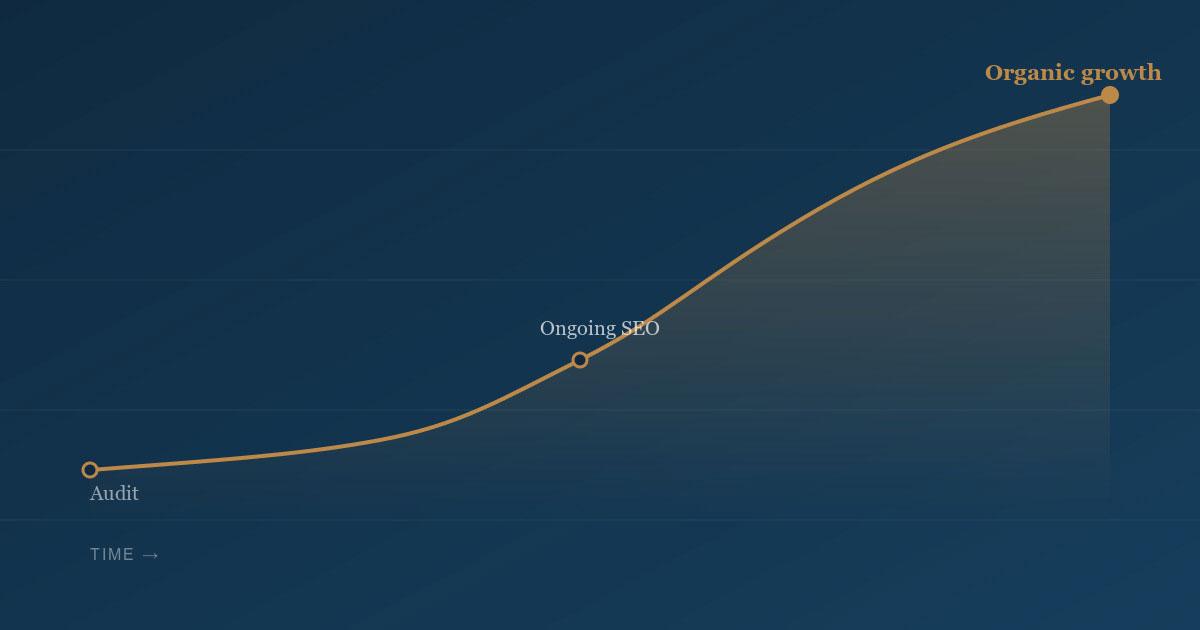




In short: traffic doesn't drop after a redesign because of the new look. It drops because of technical migration mistakes: URLs changed without redirects, structured data was lost, indexing stayed blocked, language versions broke. All of it can be checked in advance, against a checklist. A dip lasting a week or two after the move is normal. A drop that lasts a month and doesn't recover is a symptom of an error — it needs diagnosing, not waiting out.
A redesign looks like a safe project: the appearance changes, the content stays. In practice, the structure almost always changes along with the design — page URLs, markup, the way content is delivered. A search engine doesn't see an "updated site"; it sees a different set of pages at different addresses, and decides from scratch what to trust.
Here's what actually breaks, how to prevent it, and what to do if the drop has already happened.
Why traffic drops after a redesign
URLs changed. The most common and most expensive mistake. Years of accumulated trust are tied to specific URLs. If the addresses changed and no redirects were set up, every external link and every page the search engine had remembered runs into a dead end.
Structured data disappeared. Rich results — ratings, FAQ answers, breadcrumbs — run on Schema.org markup. It often gets lost when content moves to a new template. Rankings may hold, but clicks fall: the snippet looks thinner than the competition's.
The site stayed blocked from indexing. The staging version is hidden from crawlers via robots.txt or a noindex tag — and nobody remembers to unblock it after launch. The site vanishes from search entirely, and the cause sits in a single line.
Titles and descriptions changed. The new template generates its own title and description instead of the hand-written ones. Everything looks fine on the surface, while page relevance to search queries quietly drops.
Language versions broke. Locales swapped places, hreflang still points at the old URLs, there are no redirects between languages. The search engine stops understanding which version serves which audience, and demotes the whole structure. That's exactly what happened to one of my clients after an AI-driven redesign — I published a separate breakdown of that case.
The rendering method changed. Content that used to be served by the server is now assembled in the browser. The crawler arrives and sees an empty page.
Content was trimmed. In the name of a clean design, texts get shortened and "unnecessary" sections removed. The pages that were bringing in traffic for specific queries go with them.
The site got slower. Heavy images, extra scripts, animations. Speed affects both rankings and visitor behaviour.
What to do before the move
Capture your baseline. Export rankings, impressions and clicks by page and query from Search Console for the past few months. Without that reference point, you won't be able to tell what dropped or by how much after launch.
Collect the full list of URLs. Crawl the current site and pull every URL, including the ones you'd forgotten about. List the traffic-generating pages separately — those are the riskiest ones to touch.
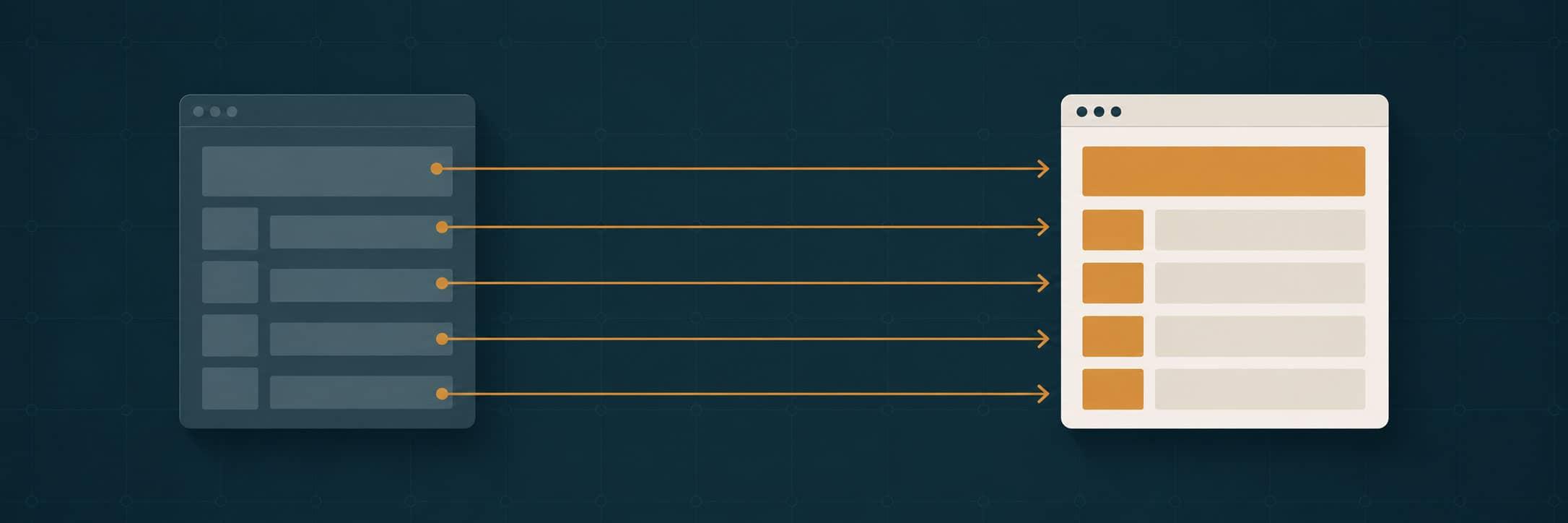
Decide whether URLs are changing. The safest redesign is the one where the URL structure stays intact. If addresses do change, build a mapping: every old URL points to a specific new one, not to the homepage.
Move titles and descriptions manually. Each page's title and description carries over as-is, rather than being regenerated by a template.
Preserve the structured data. Make a list of what was on the old site: organisation, services, FAQs, breadcrumbs, local business. All of it needs to appear on the new one.
Build on a staging environment. A separate domain or subdomain, closed to indexing, where everything gets verified before publication. Pushing a redesign straight to production is the origin of most traffic-collapse stories.
Check what the crawler sees. Not the browser — the server: does the content open without executing scripts, are the texts and links served immediately.
On moving day
Open up indexing. Remove noindex, check robots.txt, make sure canonical URLs point to the new pages.
Turn on redirects. Permanent, 301, following the mapping. Spot-check them by hand: an old URL should lead to a relevant new page in a single hop.
Update and submit the sitemap. Send the new sitemap.xml to Search Console so the search engine finds the changes faster.
Check the key pages. Homepage, the most visited pages, every language version: do they load, are the titles correct, is the structured data in place.
Measure speed. Run PageSpeed right after launch — to catch heavy images and scripts while it's all still fresh.
After launch: what's normal and what's alarming
A dip lasting a week or two is a normal reaction: the search engine needs to re-crawl the site and rebuild its picture of it. Rankings bounce, impressions jump around, then level out.
Warning signs that mean you should look for the cause rather than wait:
Traffic falls and doesn't recover for over a month. It won't fix itself.
Crawl errors and "not found" pages are rising in Search Console. That means the redirects are incomplete or pointing to the wrong places.
Rich results that used to appear are gone. Structured data has been lost.
The number of indexed pages is noticeably lower. Part of the site is unreachable for the search engine.
Rankings dropped across all language versions at once. The language structure is broken.
For the first few weeks after a move, check Search Console every few days rather than once a quarter: the sooner you find the cause, the cheaper it is to fix.
From practice
Migrating an auto service centre's site from MODX to WordPress: URL structure preserved, structured data carried over and extended, speed improved — mobile PageSpeed went from roughly 50 to 92. That's what a migration done to a checklist looks like: a platform change, not a loss of rankings.
The opposite example — a construction company where the redesign was pushed to production without checks: URLs changed with no redirects, language versions swapped places, structured data vanished. The site started losing traffic within two days and didn't recover for over a month. Diagnosis and fixes took two weeks, ranking recovery another month or so. I published a detailed breakdown of that case separately.
The difference between the two stories isn't the platform or the budget — it's whether the move was tested before it went live.
If traffic has already dropped
The order of operations is the same as with any diagnosis: understand the cause first, then fix it.
1. Check indexing. Is the site blocked in robots.txt, is there a noindex on pages, how many pages are in the index compared to before.
2. Check the old URLs. Take the list of addresses that were bringing in traffic and walk through them: do they return 404s, or do they lead to the new pages.
3. Compare titles and descriptions against what was there before the move.
4. Check the structured data using structured data testing tools.
5. Look at what the crawler sees — does the content open without executing scripts.
6. Check the language versions, if there are several: are the URLs correct, is hreflang in place.
Most of these problems get fixed faster than you'd expect — if you know where to look. The expensive part isn't the error itself; it's the months spent waiting for it to "sort itself out".
What it costs
Technical audit — from €250. Diagnosis before a move, or an analysis of the situation if traffic has already dropped: what broke and in what order to fix it.
Redesign with traffic preserved — from €1,000. New design and front-end on the existing structure, with URLs, structured data and metadata carried over.
The exact price depends on the size of the site and the state of the current version.
How I work
I do both development and SEO, so I don't split "make it look good" and "don't lose rankings" into two jobs for two different people. URL structure, redirects, structured data and content delivery are decided at the design stage, rather than discovered after launch.
Where to start
A redesign doesn't have to cost you traffic. All it takes is capturing your baseline in advance, keeping the URLs or building a redirect map, carrying over structured data and metadata, assembling everything on staging, and checking the site through the eyes of a search crawler rather than only through the eyes of a designer.
If you're planning a redesign, or you've already migrated and you're seeing a drop — get in touch and we'll look at what's happening with your site.
If you would rather hand the whole thing over: website redesign services, with the URL map, the redirects and the technical SEO included.